
Hello guys, welcome to my portfolio! 👋 This is where I share my projects, things I'm learning, and a bit of my journey in IT. Feel free to look around! You can also try the chatbot to ask about my work, or just see how it replies haha. Thanks for stopping by!
Back to projects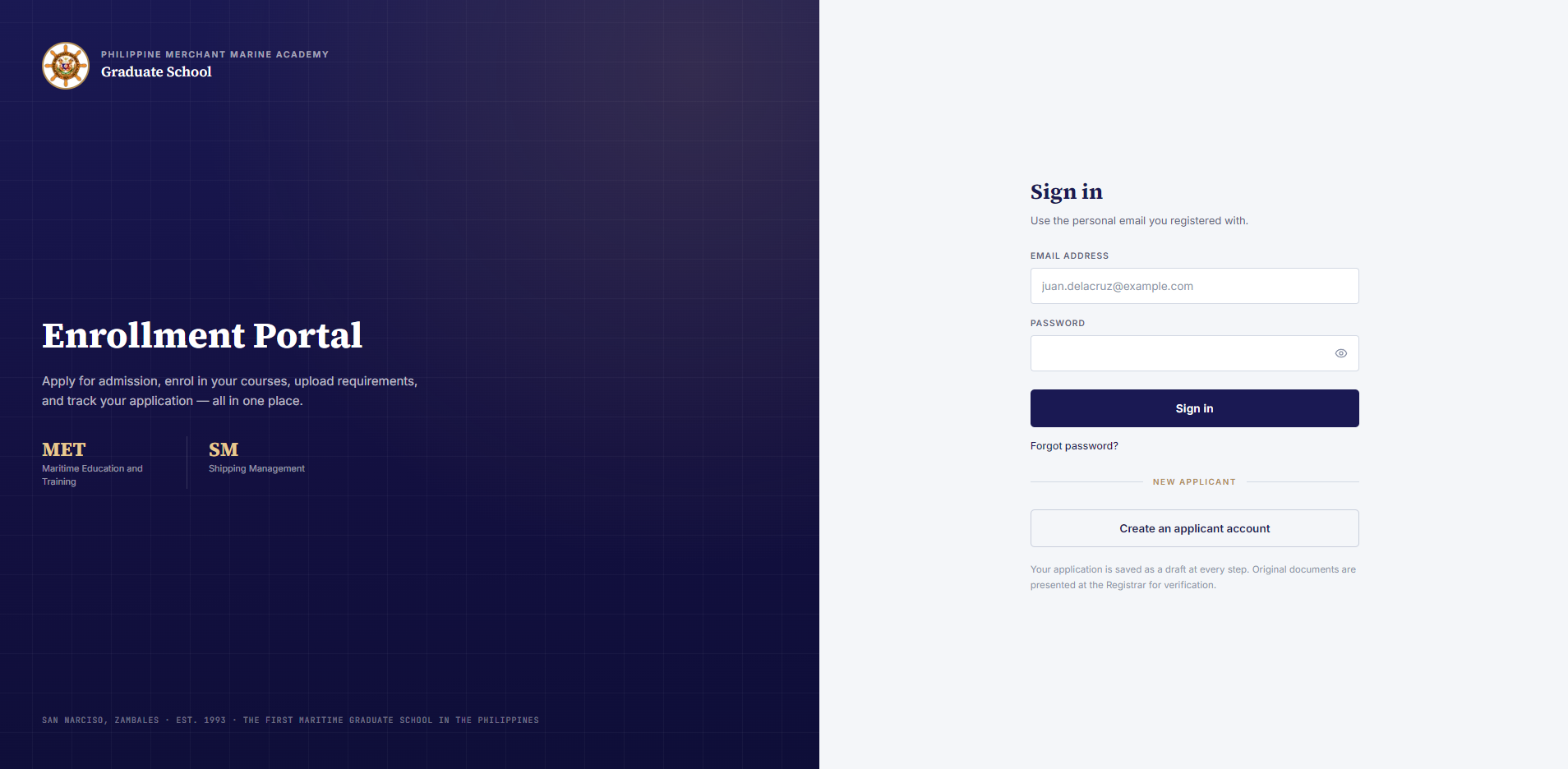
Professional · Seaversity LMS integration
Moodle LMS Support Chatbot
Moodle LMS Support Chatbot
Project preview coming soon
Overview
An embedded support chatbot I developed at Seaversity to help trainees use Moodle without leaving their learning environment. A custom JavaScript widget connects to self-hosted n8n workflows for contextual answers. The project includes a Pinecone-based RAG version and a separate version that selects curated manual and FAQ content through keyword matching.
Developed as part of my role at Seaversity. This case study describes my contribution; source code and internal deployment details are not published here.
My contribution
Full-Stack Developer
I built the browser chat widget, implemented the n8n chatbot workflows, and integrated the assistant into Moodle. My work included connecting Pinecone retrieval to answer generation in the RAG version. I deployed the widget and tested the complete path from a trainee's message through n8n to the reply displayed in the LMS.
Support inside the learning platform
- A floating launcher opens a chat panel for questions about LMS navigation, course activities, account access, technical requirements, and support channels.
- Configurable bot name, theme color, screen position, welcome message, and input placeholder let the same widget fit different LMS installations.
- Typing feedback, automatic scrolling, Enter-to-send, and a full-screen mobile layout support everyday use. The floating launcher hides while mobile chat is open so it does not cover the conversation.
Moodle-to-n8n request flow
- The standalone JavaScript widget sends a JSON POST request to an n8n webhook with the message, application identifier, session identifier, current LMS hostname, and recent conversation context.
- The workflow validates input, selects a support topic, builds the answer context, calls the LLM, formats the result, and returns JSON for the widget to display.
- The browser interface and workflow remain separate: widget settings select the endpoint, while n8n coordinates the support logic and model call.
Pinecone RAG version
- The widget sends a trainee's question to a self-hosted n8n webhook, which coordinates retrieval and answer generation.
- Pinecone provides vector retrieval over curated FAQ content. The retrieved context is supplied to the LLM to help ground its answer in the support material.
- n8n returns the generated response to the Moodle widget. This retrieval-augmented generation flow is a separate implementation from the keyword-based manual and FAQ workflow described below.
Manual & FAQ matching version
- The reviewed workflow contains a curated trainee-manual topic map and FAQ answers covering platform features, learning activities, completion guidance, and common technical questions.
- A keyword classifier scores matching phrases, giving longer phrases more weight. Manual content wins when its score equals or exceeds the FAQ match; otherwise the strongest FAQ supplies the context.
- The selected reference and a short conversation window are passed to an n8n LLM chain for a concise answer. When no topic matches, the assistant is guided to offer general LMS help or refer course-specific questions to the Help Desk or instructor.
Relevant guidance & support boundaries
- Successful manual-based answers can include an Official guide link built from the current LMS hostname and the matched manual page, helping trainees continue to the relevant reference.
- Workflow guidance focuses the assistant on platform support and navigation, with predefined responses for requests to complete academic assessments or disclose internal instructions.
- The workflow rejects empty or overly long messages. Response handling provides a temporary-unavailability message with FAQ and support alternatives when the model call fails.
Conversation continuity
- The widget stores the session identifier and conversation in browser local storage, separated by application identifier, so a conversation can be restored after navigation or reload.
- A Clear action asks for confirmation before removing the saved conversation and restoring the welcome message.
- Only a recent portion of the conversation is sent with each request, and the workflow narrows that context further before building the model prompt.
Implementation & deployment
- Plain JavaScript, HTML, and CSS provide a standalone widget that injects its interface into the host page without requiring a frontend framework.
- The repository includes Vercel configuration for serving the widget script, while a self-hosted n8n webhook handles the chatbot backend.
- I deployed the browser widget and tested the end-to-end Moodle-to-n8n response flow. The widget repository also includes a regression check for the mobile launcher overlap fix.
More professional projects
PMMA Graduate School Enrollment System
An enrollment system developed at Seaversity for the Philippine Merchant Marine Academy Graduate School. It connects online applications, document review, admission decisions, payments, and Moodle classroom access in one workflow.
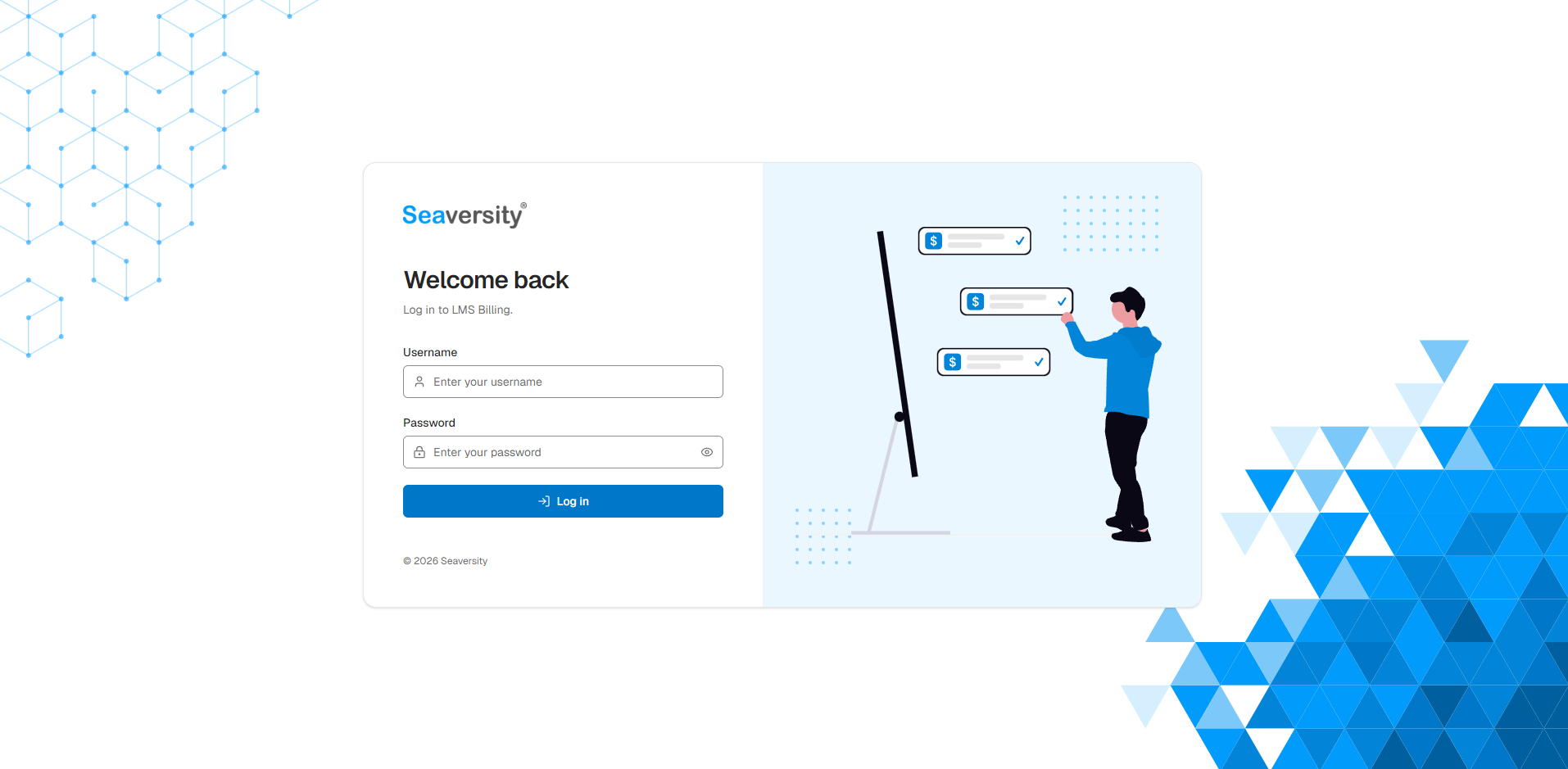
LMS Billing
An internal billing support tool developed at Seaversity. It brings together trainee completion data from client Moodle sites so the team can review courses, prepare billing records, and track which courses have been marked paid.
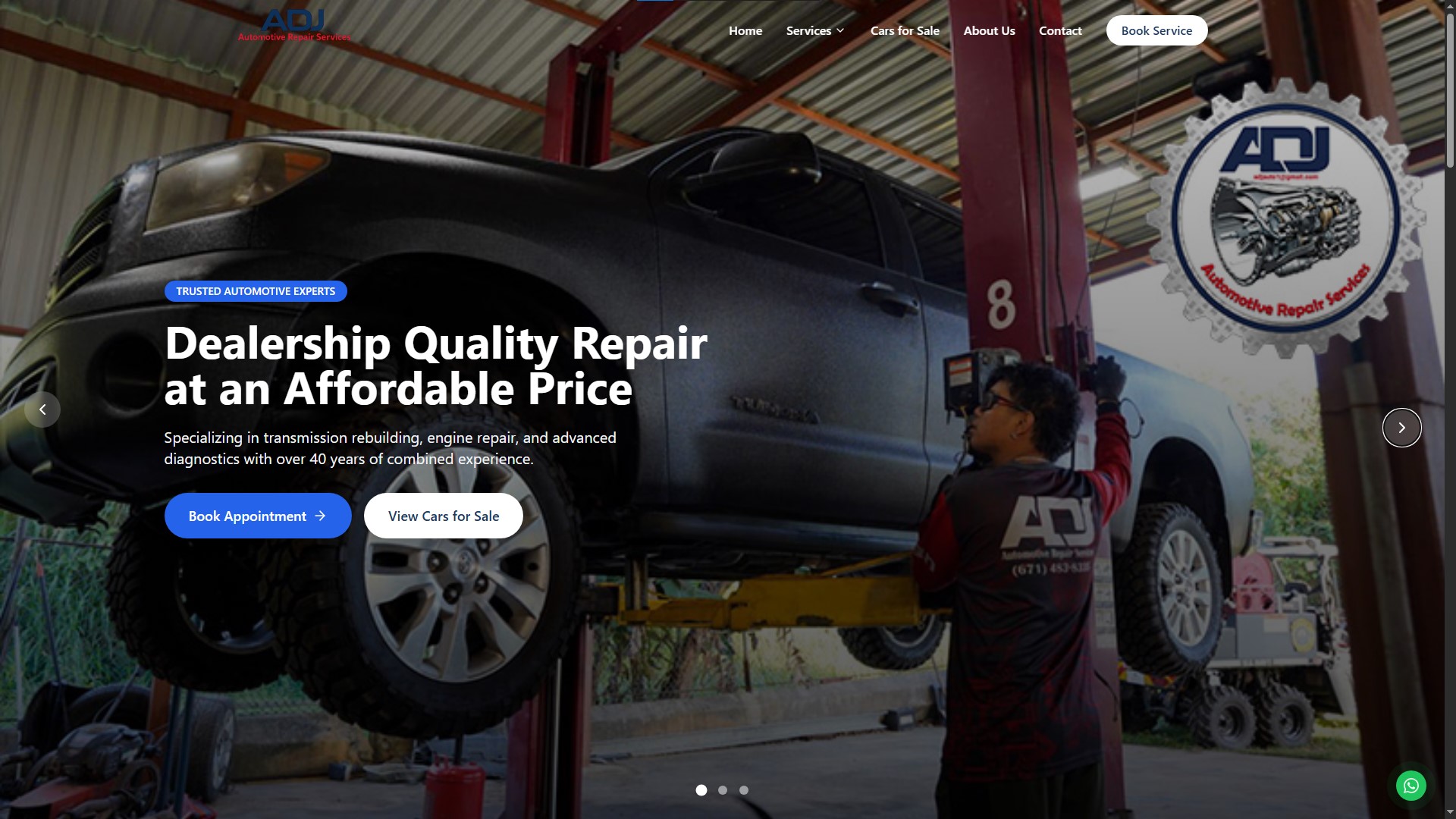
ADJ Automotive
A freelance web application for ADJ Automotive Repair Services, with service bookings, quote requests, cars-for-sale listings, and an admin dashboard for appointments and vehicle inventory.


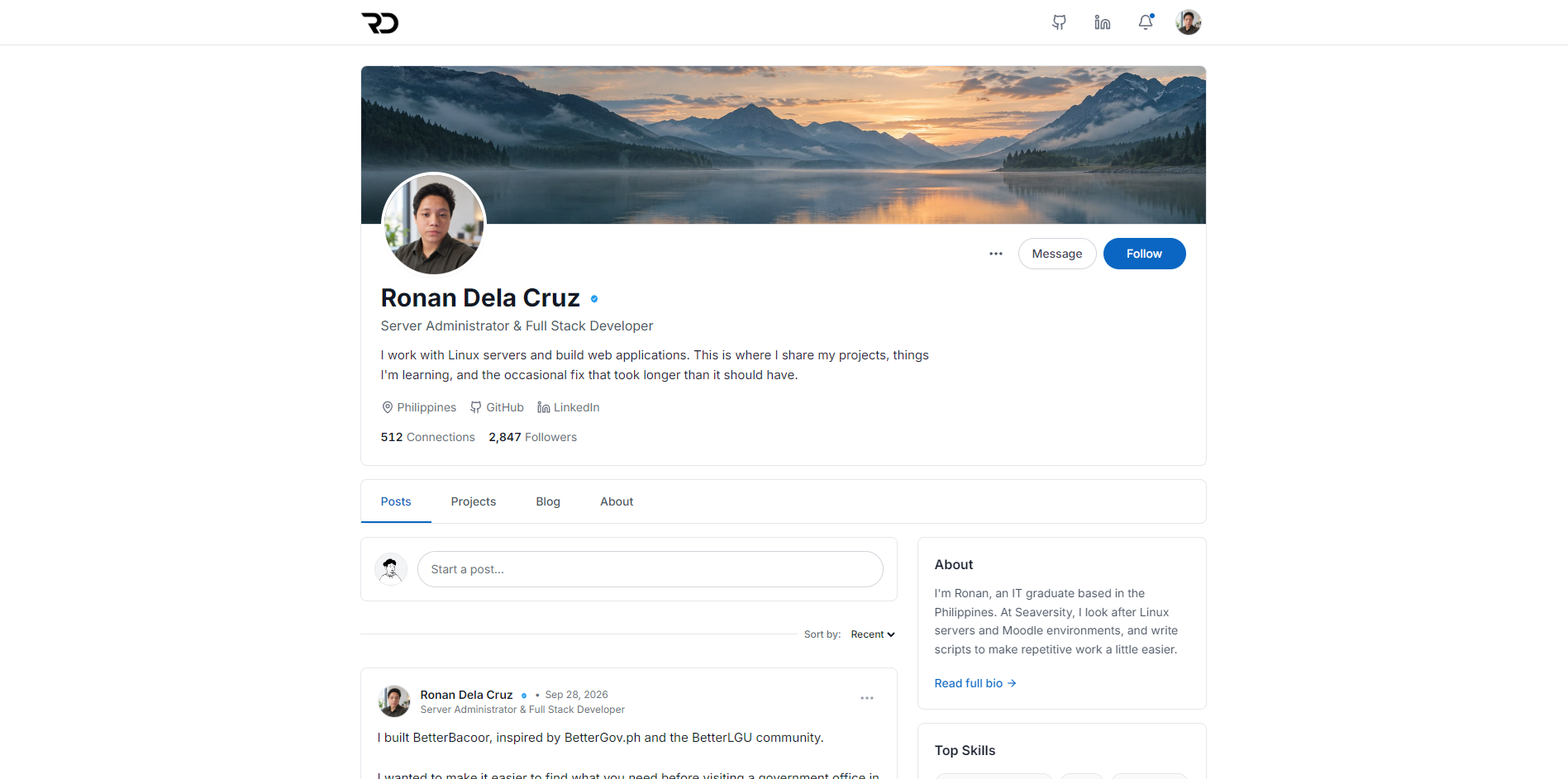
Ronan Dela Cruz

Server Administrator & Full Stack Developer
I work with Linux servers and build web applications. This is where I share my projects, things I'm learning, and the occasional fix that took longer than it should have.
512 Connections
2,847Followers
Posts

I built BetterBacoor, inspired by BetterGov.ph and the BetterLGU community. I wanted to make it easier to find what you need before visiting a government office in Bacoor. It brings service requirements, office contacts, and official links into one place. It's an unofficial, community-run guide and it's open source. You can find the website and code in the project below.
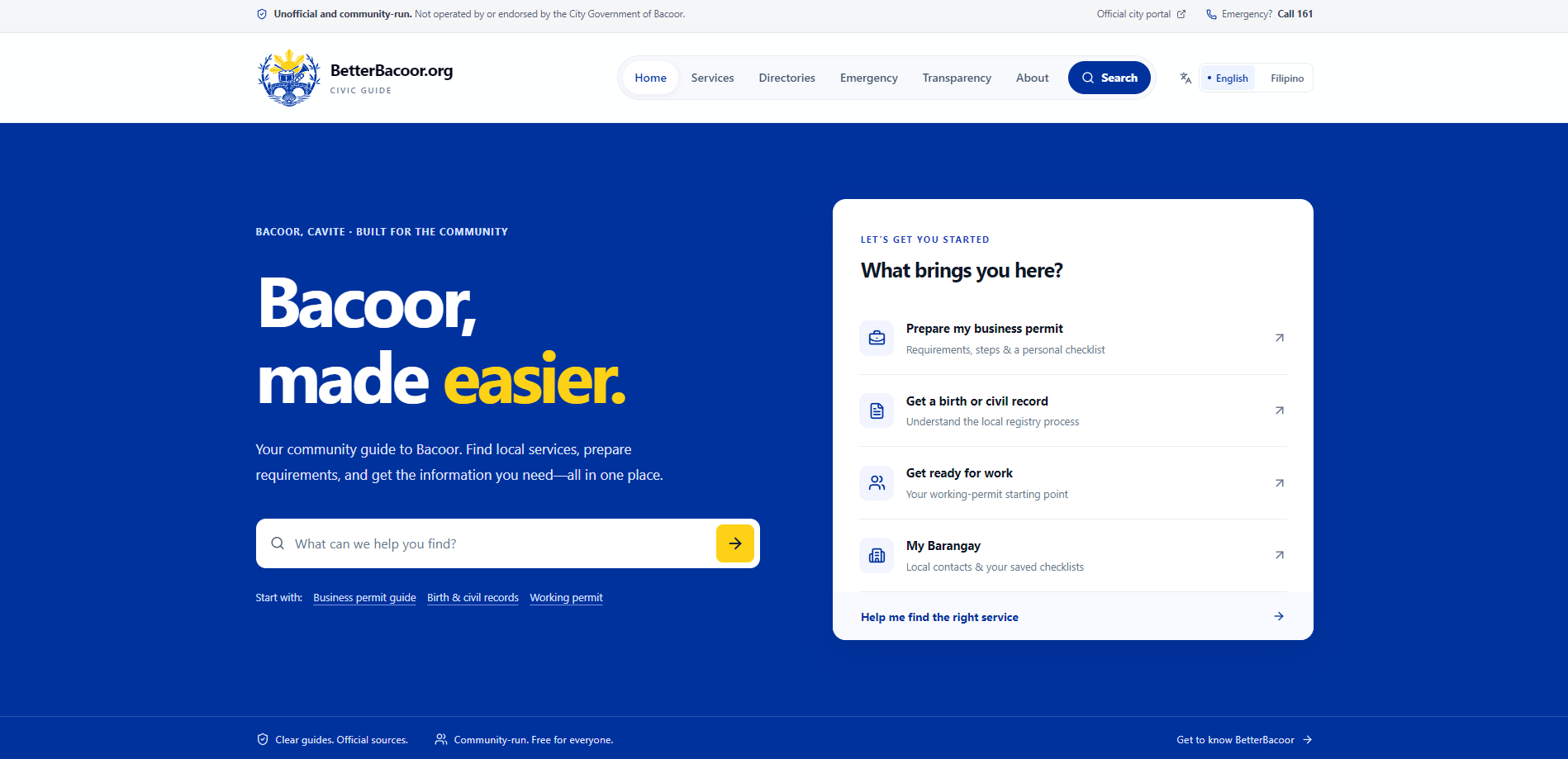
BetterBacoor
A place to find Bacoor services, requirements, and local information before heading to a government office. An unofficial, community-run guide for residents.
ReactTypeScriptTailwind CSS
View project Hot take: The best portfolio is one that doesn't look like a portfolio. Show your thinking, your process, and your personality, not just polished final screenshots.

I'm building my own portfolio to showcase my projects and share what I'm learning. I wanted it to feel a bit more like me, so I went with a social media style. There will be posts, project updates, and blogs about my experience. A place where I can share the work and the things that happen along the way. I'm also making it open source so others can use it too.
Just automated something I used to do manually I've been managing LMS servers for clients, and every time we provision a new one, it meant SSH-ing in, editing config files, updating databases, restarting services... the same steps every single time. This week I finally tried Ansible for the first time. One playbook. One command. Done. Still a lot to learn, but this is a huge step up from manual configs.
Projects
17 projects
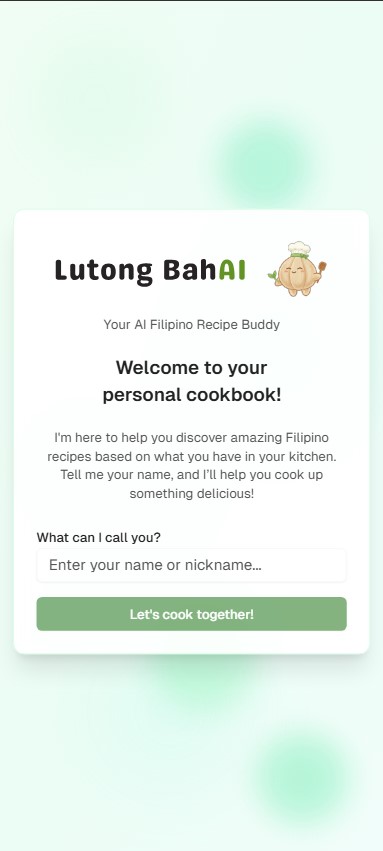
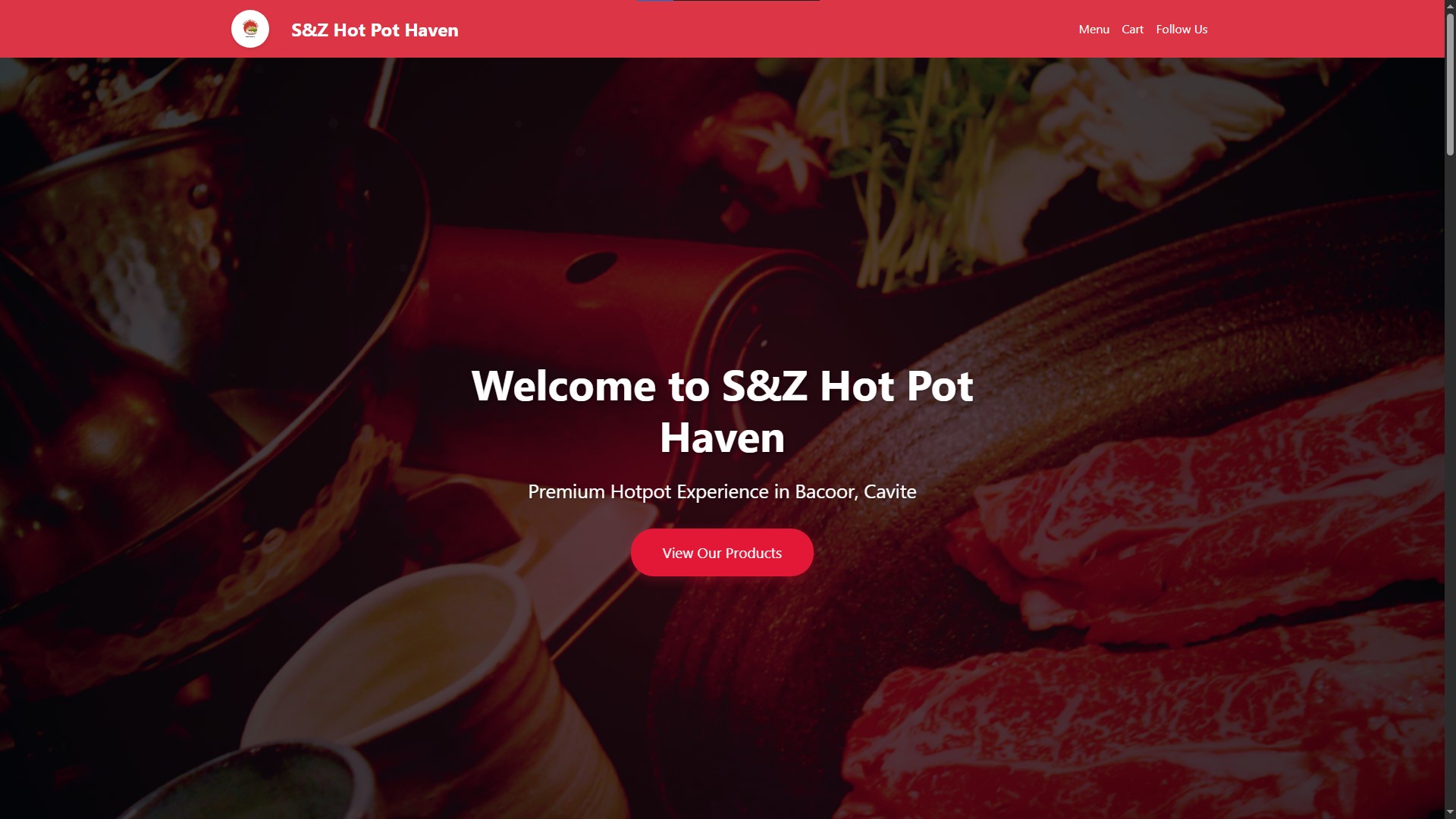
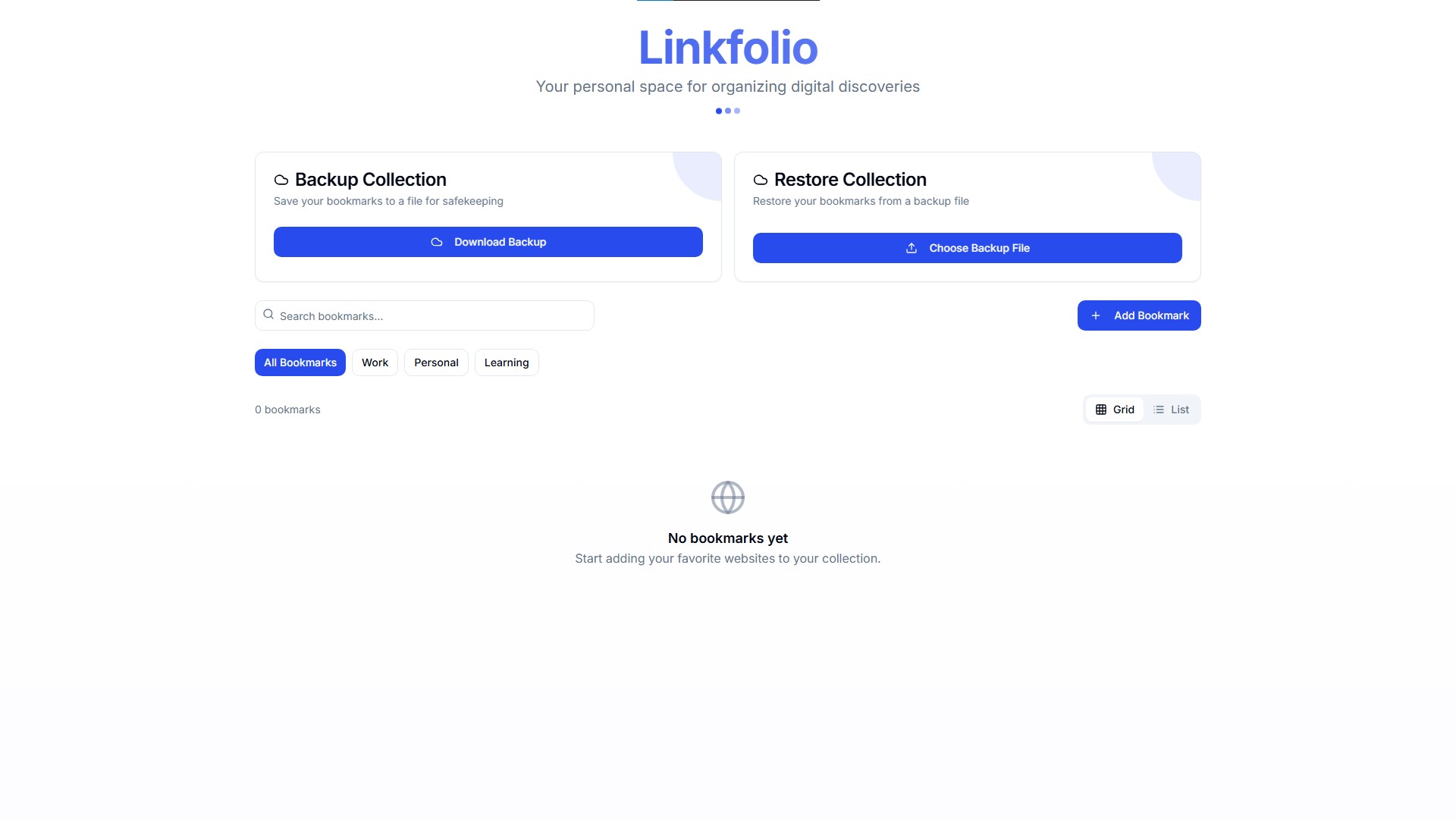
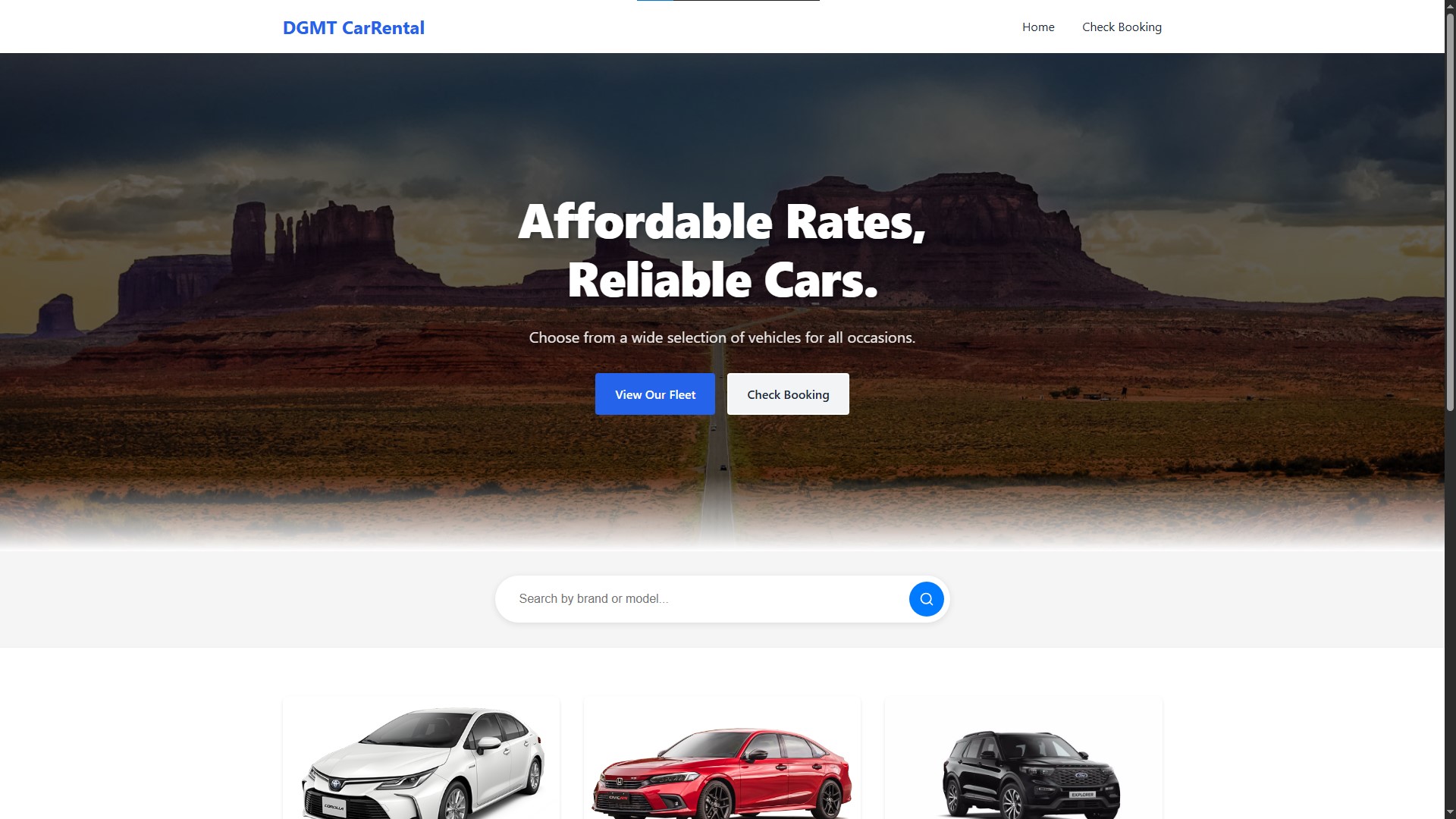
Blog
My experiences, things I learn, and life outside the code.
About
I'm Ronan, an IT graduate based in the Philippines. At Seaversity, I look after Linux servers and Moodle environments, and write scripts to make repetitive work a little easier.
Outside that work, I build web and mobile applications, often around everyday needs in local communities and small businesses. I'm also learning more about cloud infrastructure and DevOps. This site is a place to share what I'm building and learning along the way.
Experience
May 2026 – Present
Nov 2025 – May 2026
Aug 2025 – Nov 2025
Skills
Infrastructure & Operations
- Linux Administration
- Rocky Linux
- Sangfor MCS
- Moodle
- Nginx
- NPMplus
- Cloudflare
- Tailscale
- MinIO
Application Development
- TypeScript
- React
- Tailwind CSS
- Express.js
- PostgreSQL
- MySQL
- Redis
- Firebase
- Supabase
Automation & Tools
- Bash
- Ansible
- Git
- Docker
- Claude Code
- Codex
- Hermes Agent
Education

St. Dominic College of Asia
Bachelor of Science in Information Technology
2022 – 2026