
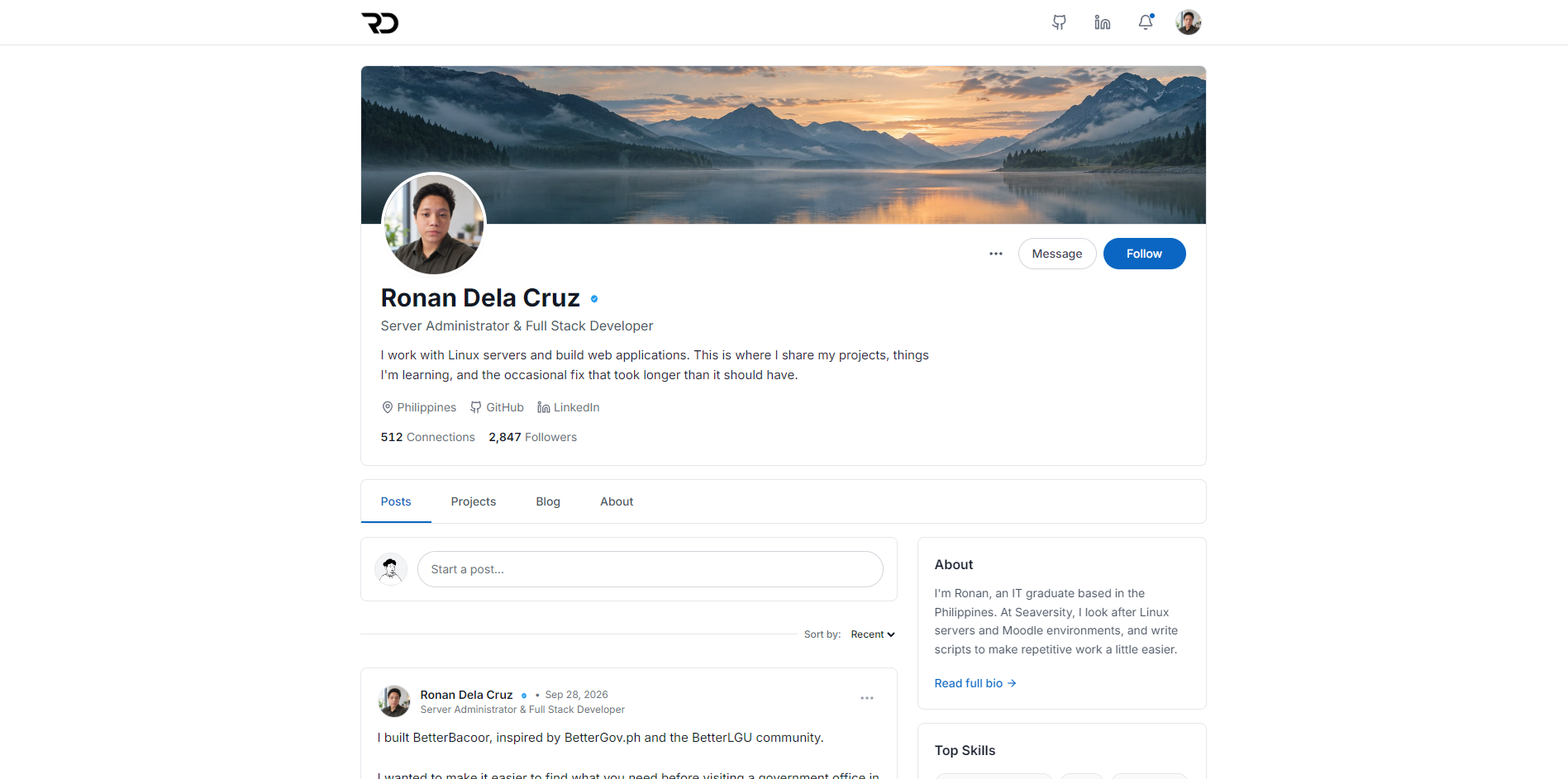
Hello guys, welcome to my portfolio! 👋 This is where I share my projects, things I'm learning, and a bit of my journey in IT. Feel free to look around! You can also try the chatbot to ask about my work, or just see how it replies haha. Thanks for stopping by!
Back to projects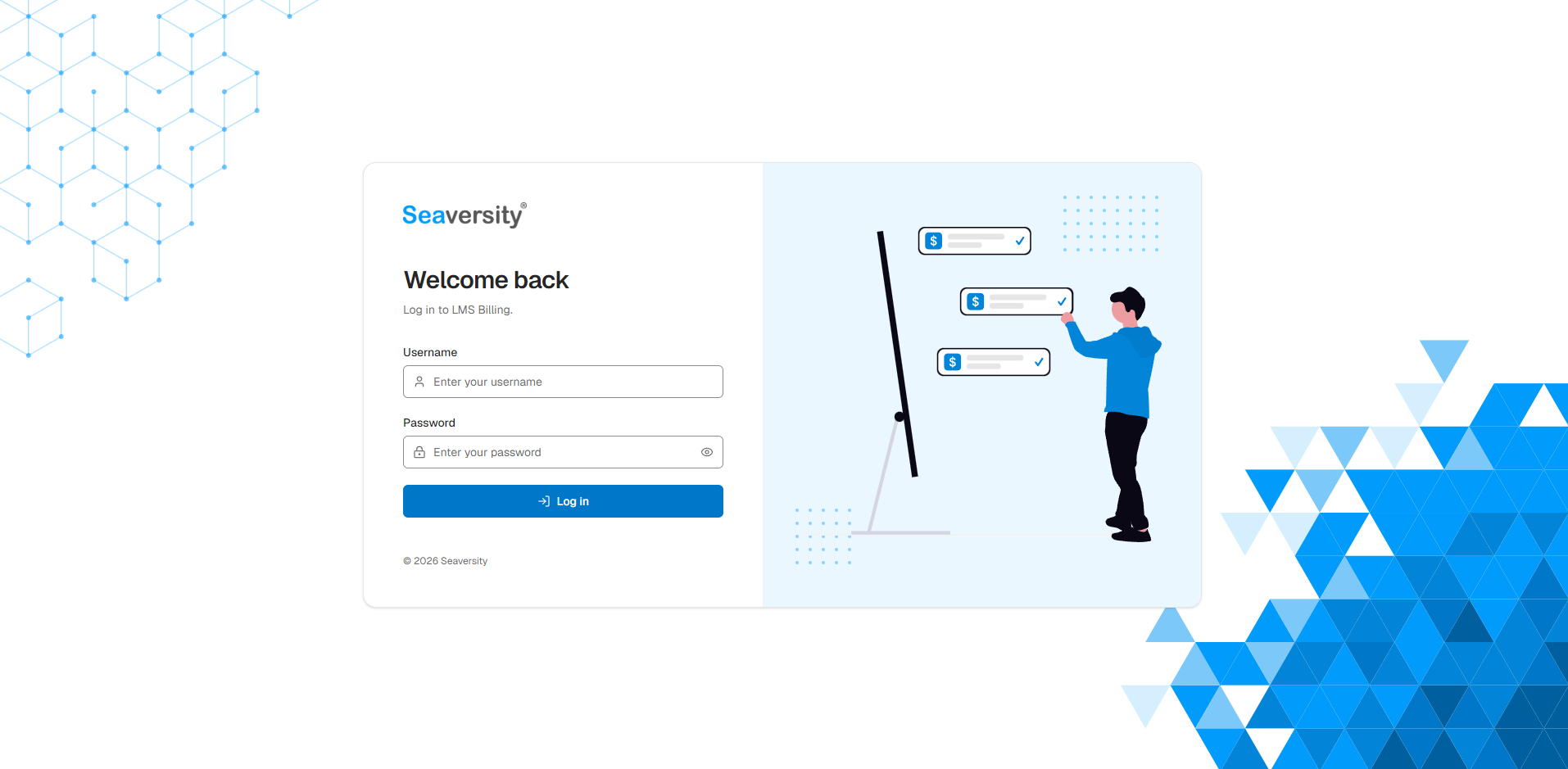

Professional · Seaversity internal tool
LMS Billing
Image 1 of 1
Open full-size image (opens in a new tab)Overview
An internal billing support tool developed at Seaversity. It brings together trainee completion data from client Moodle sites so the team can review courses, prepare billing records, and track which courses have been marked paid.
Developed for internal use at Seaversity. This page presents my contribution as the developer.
My contribution
Sole Full-Stack Developer
I designed and developed the frontend, backend, database, and deployment as part of my role at Seaversity. My work included the Moodle integration, completion checks, reporting, background refreshes, access controls, and server setup.
Moodle sites & course catalog
- Manage multiple client Moodle connections, switch between sites, and test whether the required web service functions are available.
- Sync categories and courses into a stored catalog, with a searchable category tree and filters for completion, paid status, and tracking.
- Find courses by name, batch code, category, or common abbreviations without making a new Moodle request for every search.
Trainee completion checks
- Check trainee progress using Moodle Web Services, with a formula that follows the Completion Progress block and configurable alternatives for each site.
- Show active, completed, billable, and suspended counts alongside each trainee's progress, status, and last course access.
- Exclude non-trainee roles, identify missing progress figures, and retain the last successful result when a refresh fails.
Billing dashboard & paid tracking
- Dashboard views for courses ready to bill, courses in progress, paid courses, and items needing attention.
- Mark individual courses or a batch's ready courses as paid, recording the date and the billable count from the stored check. Paid marks can also be removed.
- Filter paid records by month, year, or a custom date range, with summaries of courses, batches, and trainees billed.
Exports & supporting documents
- Export completed trainees or the full trainee list to Excel and CSV, including progress, completion status, and last course access.
- Generate a billing supporting-data PDF with account, course, batch, date, and preparer details, with reusable account and preparer information per site.
- Build exported counts and trainee lists from the same stored check. The PDF export asks for a fresh review if that check changed while the form was open.
Background refresh & tracking
- Refresh a course, batch, category, or all tracked courses, with progress indicators and cancellation controls.
- Run nightly refreshes within a configurable Manila-time window, with global and per-site switches and a choice of tracked categories.
- Exclude individual courses from bulk monitoring and resume them later while keeping stored results and paid history.
- Use a PostgreSQL-backed job queue, per-site request limits, and course locks to manage refresh work and avoid duplicate checks.
Client viewer accounts
- Create client accounts assigned to one LMS, with read-only access to its stored dashboard, courses, trainee details, and billing status.
- Keep exports, refreshes, paid-status changes, settings, and account management restricted to administrators.
- Manage assignments, reset passwords, and disable access. Account changes revoke existing client sessions.
Architecture & access controls
- A Next.js and TypeScript application with React screens, server-side actions and API routes, Zod validation, and PostgreSQL through Drizzle ORM.
- Encrypted Moodle tokens, hashed passwords, signed sessions, login throttling, and server-side checks for each account's permitted LMS.
- Stored course snapshots keep browsing separate from live Moodle requests; the refresh worker and scheduler run within the application process.
Deployment & verification
- Self-hosted deployment using Docker Compose, PostgreSQL, and Nginx, with NPMplus and Cloudflare for the HTTPS entry point.
- Versioned container releases, non-root containers, database health checks, controlled application promotion, and compatible code rollback.
- Vitest and PGlite tests cover application and database behavior. A separate comparison tool checks progress formulas against Moodle's Completion Progress block.
More professional projects
Moodle LMS Support Chatbot
Project preview coming soon
Moodle LMS Support Chatbot
An embedded support chatbot I developed at Seaversity to help trainees use Moodle without leaving their learning environment. A custom JavaScript widget connects to self-hosted n8n workflows for contextual answers. The project includes a Pinecone-based RAG version and a separate version that selects curated manual and FAQ content through keyword matching.
PMMA Graduate School Enrollment System
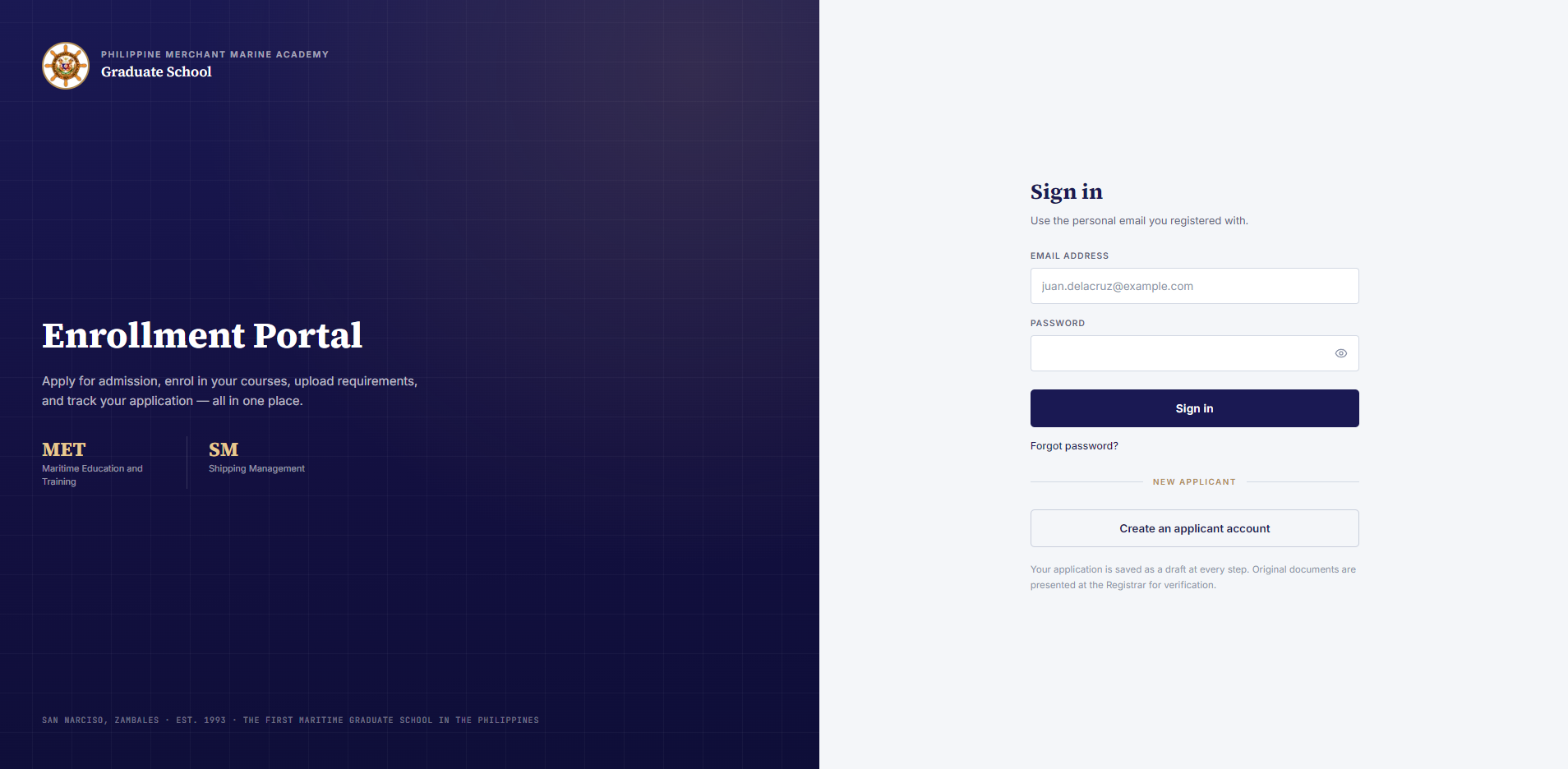
An enrollment system developed at Seaversity for the Philippine Merchant Marine Academy Graduate School. It connects online applications, document review, admission decisions, payments, and Moodle classroom access in one workflow.
ADJ Automotive
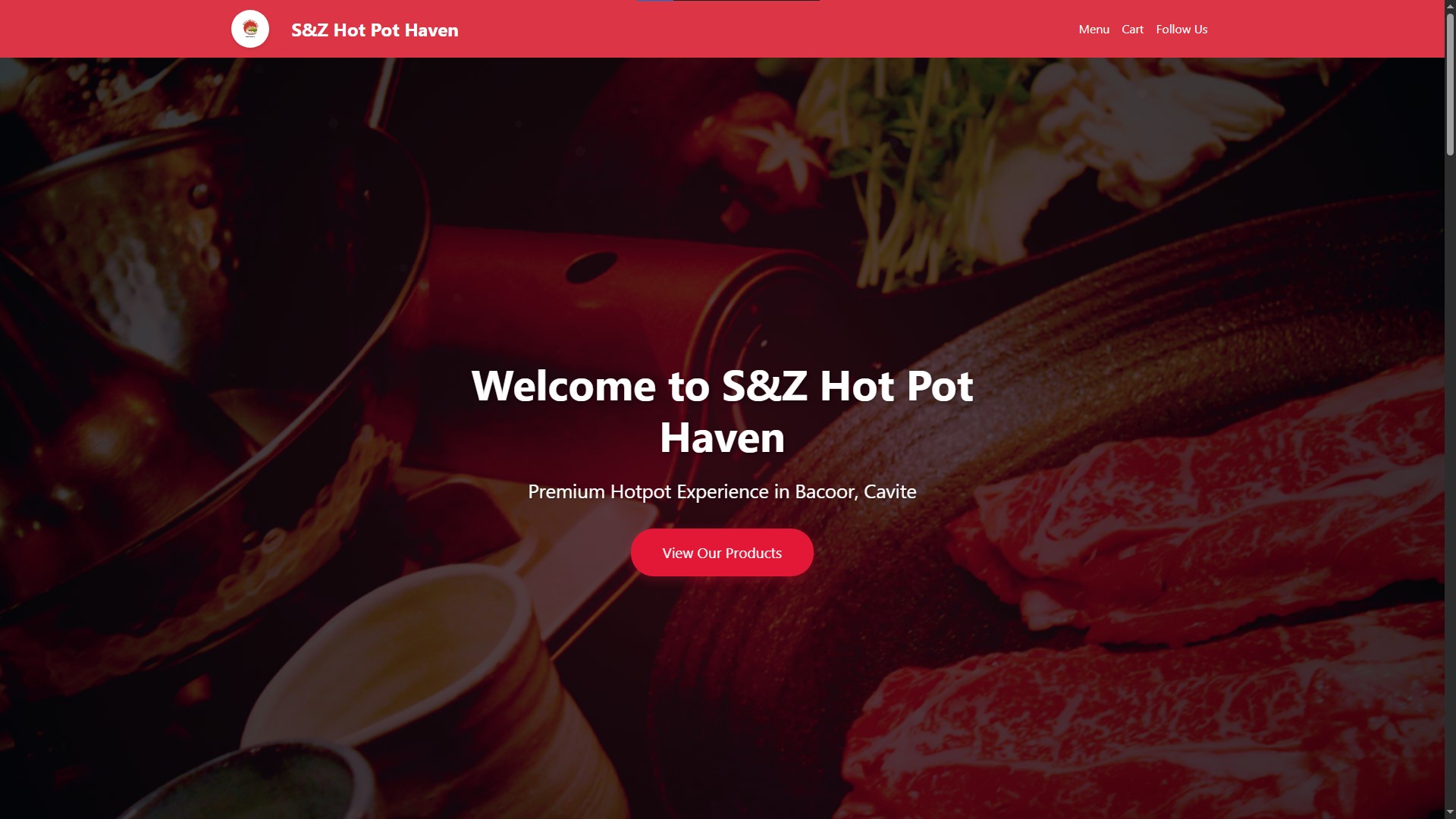
A freelance web application for ADJ Automotive Repair Services, with service bookings, quote requests, cars-for-sale listings, and an admin dashboard for appointments and vehicle inventory.


Ronan Dela Cruz

Server Administrator & Full Stack Developer
I work with Linux servers and build web applications. This is where I share my projects, things I'm learning, and the occasional fix that took longer than it should have.
512 Connections
2,847Followers
Posts

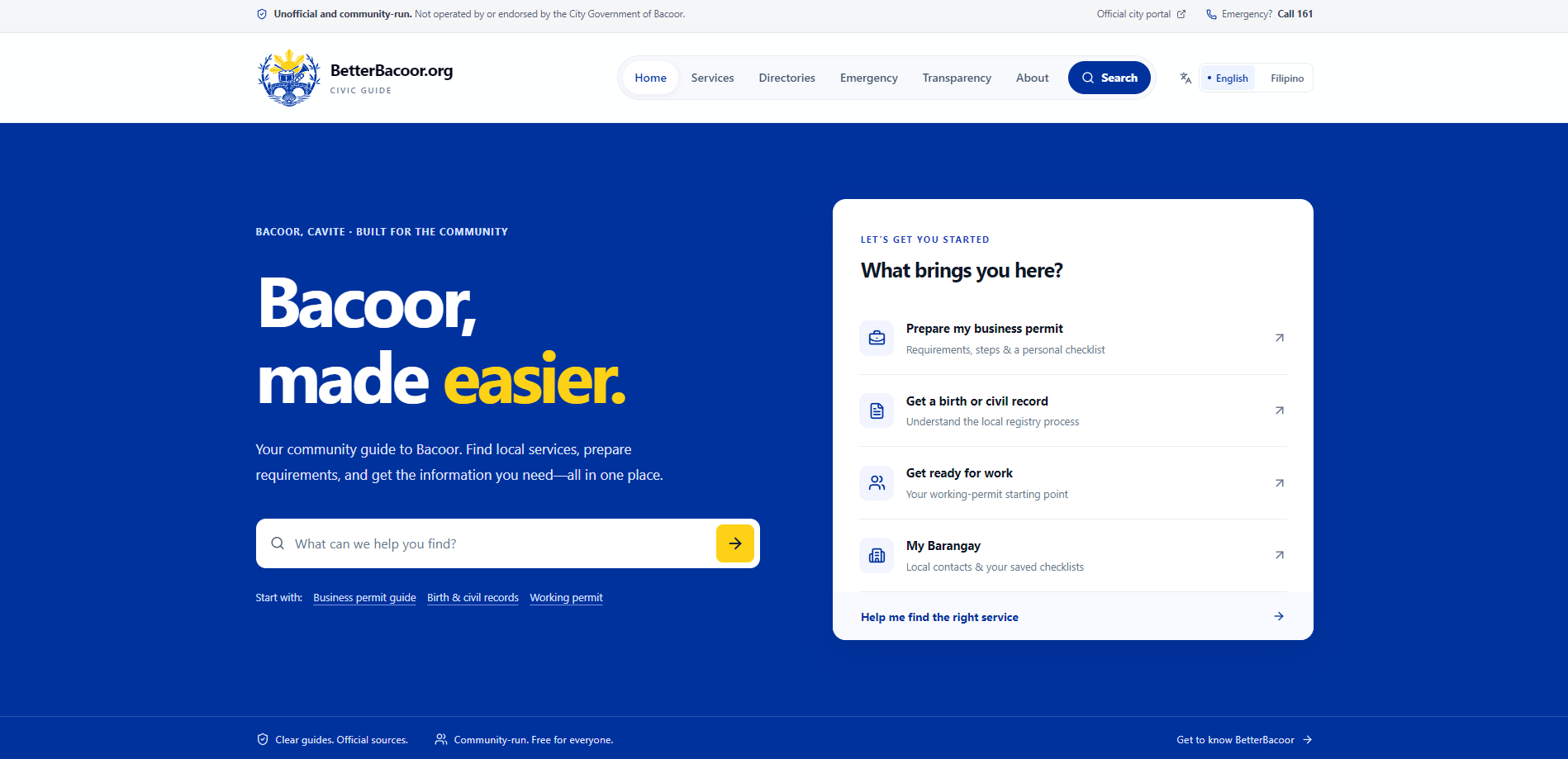
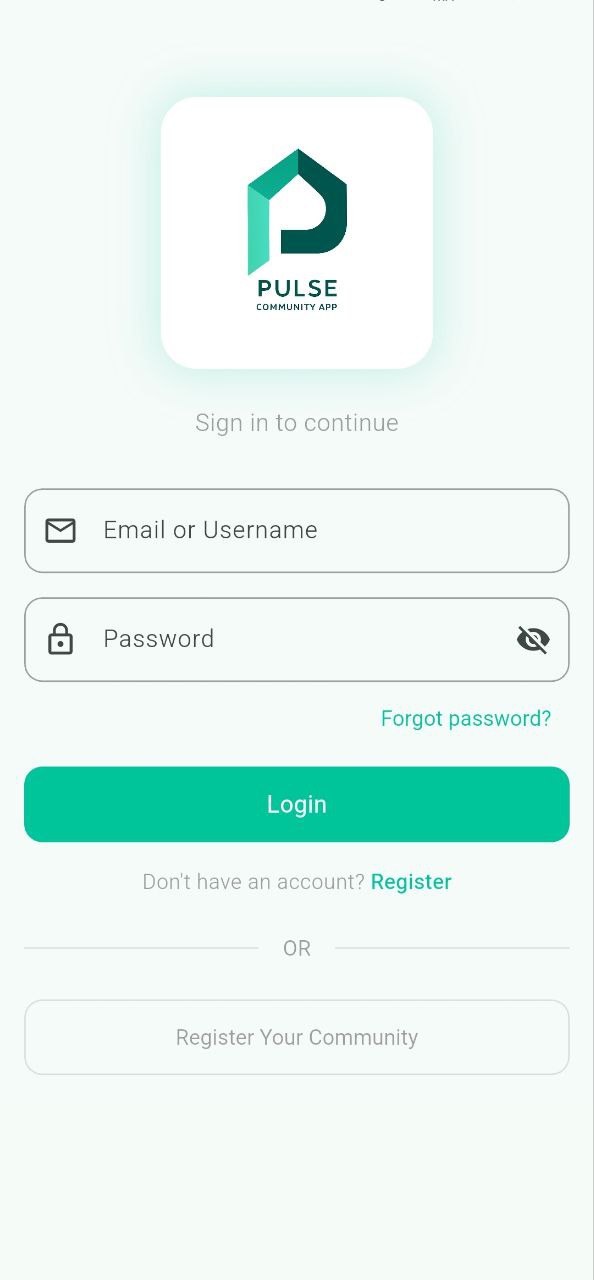
I built BetterBacoor, inspired by BetterGov.ph and the BetterLGU community. I wanted to make it easier to find what you need before visiting a government office in Bacoor. It brings service requirements, office contacts, and official links into one place. It's an unofficial, community-run guide and it's open source. You can find the website and code in the project below.
BetterBacoor
A place to find Bacoor services, requirements, and local information before heading to a government office. An unofficial, community-run guide for residents.
ReactTypeScriptTailwind CSS
View project Hot take: The best portfolio is one that doesn't look like a portfolio. Show your thinking, your process, and your personality, not just polished final screenshots.

I'm building my own portfolio to showcase my projects and share what I'm learning. I wanted it to feel a bit more like me, so I went with a social media style. There will be posts, project updates, and blogs about my experience. A place where I can share the work and the things that happen along the way. I'm also making it open source so others can use it too.
Just automated something I used to do manually I've been managing LMS servers for clients, and every time we provision a new one, it meant SSH-ing in, editing config files, updating databases, restarting services... the same steps every single time. This week I finally tried Ansible for the first time. One playbook. One command. Done. Still a lot to learn, but this is a huge step up from manual configs.
Projects
17 projects


Blog
My experiences, things I learn, and life outside the code.
About
I'm Ronan, an IT graduate based in the Philippines. At Seaversity, I look after Linux servers and Moodle environments, and write scripts to make repetitive work a little easier.
Outside that work, I build web and mobile applications, often around everyday needs in local communities and small businesses. I'm also learning more about cloud infrastructure and DevOps. This site is a place to share what I'm building and learning along the way.
Experience
May 2026 – Present
Nov 2025 – May 2026
Aug 2025 – Nov 2025
Skills
Infrastructure & Operations
- Linux Administration
- Rocky Linux
- Sangfor MCS
- Moodle
- Nginx
- NPMplus
- Cloudflare
- Tailscale
- MinIO
Application Development
- TypeScript
- React
- Tailwind CSS
- Express.js
- PostgreSQL
- MySQL
- Redis
- Firebase
- Supabase
Automation & Tools
- Bash
- Ansible
- Git
- Docker
- Claude Code
- Codex
- Hermes Agent
Education

St. Dominic College of Asia
Bachelor of Science in Information Technology
2022 – 2026