
Hello guys, welcome to my portfolio! 👋 This is where I share my projects, things I'm learning, and a bit of my journey in IT. Feel free to look around! You can also try the chatbot to ask about my work, or just see how it replies haha. Thanks for stopping by!
Back to projects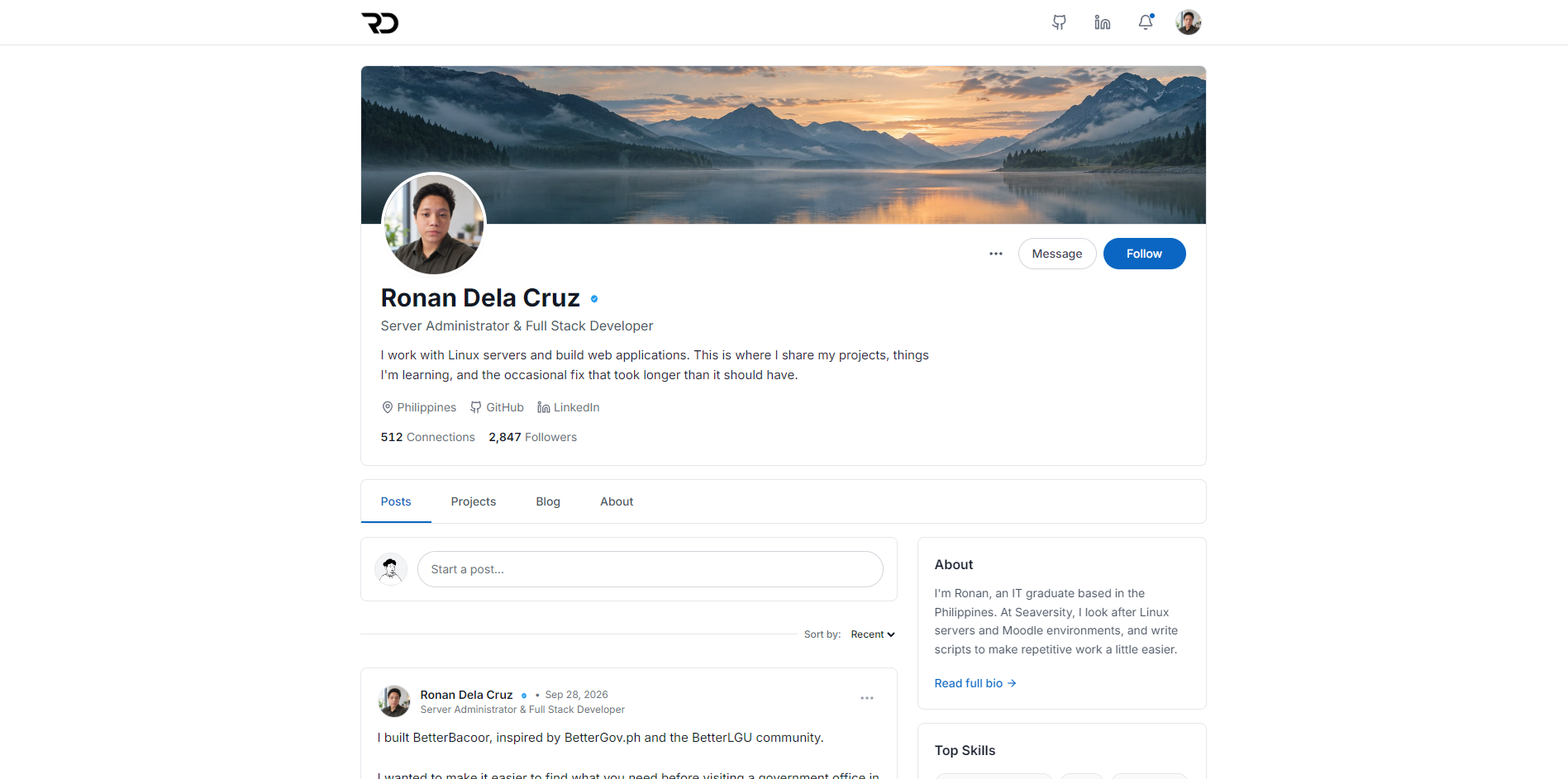
Personal · Personal portfolio & AI assistant
Social Portfolio
Image 1 of 1
Open full-size image (opens in a new tab)Overview
My personal portfolio, built around the feel of a social profile. It brings together projects, quick updates, longer write-ups, and an AI assistant that helps visitors explore my work through conversation. I wanted the site itself to show how I build, not just display the finished projects.
Social interactions and engagement counts are demos; there is no visitor account system. The AI chat makes real API requests. Cloudflare deployment is configured and tested locally; publishing is a separate step.
My contribution
Full-Stack Developer
I built the portfolio interface, content structure, and server-side chat integration. My work includes the assistant's conversational style, generated portfolio reference, verified navigation links, usage controls, and automated tests. The code is open source so others can use it too.
A portfolio with a social feel
- Profile, experience, education, and grouped skills sit alongside a post feed, blog, and filterable professional and personal projects.
- Project pages combine screenshots, my contribution, feature breakdowns, and grouped technology lists. Direct links open individual projects, posts, and articles.
- Demo posting, comments, likes, bookmarks, sharing, and update notifications make the interface feel interactive while keeping the content easy to browse.
A conversational portfolio assistant
- Visitors can ask about my projects, experience, skills, or writing and follow links directly to the relevant content.
- A voice guide and original conversation examples shape a warm, playful tone in English and casual Filipino or Taglish. The assistant speaks about me in third person and stays clear that it is AI.
- Harmless questions outside the portfolio are welcome, with situational humor where appropriate. The guidance avoids jokes for serious conversations and discourages guessing facts about me.
Knowledge that follows the content
- A build script reads the same structured profile, experience, skills, projects, posts, and blog content used by the site to generate the assistant's reference.
- Content changes reach the assistant on the next build and deployment, without manually maintaining a second biography or project list.
- The reference is supplied as context, not model training or live web browsing. A generated link catalog keeps navigation tied to published portfolio routes and approved external destinations.
Chat interface & navigation
- Quick prompts send immediately. Animated typing dots, a short natural delay, optional message sounds, and reduced-motion support make the chat feel part of the social interface.
- Markdown replies support headings, lists, quotations, and code blocks. Project recommendations include verified actions, showing source and live-site links only when they exist in the project data.
- Stop and close cancel an active response; New chat clears the conversation. History stays in browser memory until reload, with no server-side conversation history storage.
API integration & architecture
- React and TypeScript handle the interface, with Vite, Tailwind CSS, and Framer Motion. A Cloudflare Worker serves static assets and the /api/chat endpoint from the same origin.
- A provider adapter separates the chat flow from the AI service, allowing supported providers and models to be selected through server configuration. API keys stay in server-side secrets.
- The Worker processes the provider's response stream and forwards a common event format to the client, which buffers the answer while showing typing feedback. Timeouts, cancellation, and incomplete-response handling keep failures recoverable.
Abuse controls & safe rendering
- Server-side Turnstile verification, origin checks, request validation, and a network-based burst limit run before an AI request is made.
- Persistent daily allowances use a SQLite-backed Durable Object to reserve network and site-wide quotas atomically. Starting a new chat or refreshing does not reset them.
- The renderer blocks raw HTML, images, and unapproved links. Conversation guidance treats visitor content as untrusted and discourages instruction disclosure or invented portfolio facts; it is not a guarantee against prompt injection.
Testing & open-source setup
- Vitest and React Testing Library cover chat state, cancellation, response streams, provider adapters, generated knowledge, link handling, and user interactions.
- Quota tests use real SQLite to check concurrent requests, persistence, daily resets, and failures before provider calls. Local Cloudflare runtime checks exercise the Durable Object implementation.
- Wrangler runs the frontend and Worker together locally before deployment. The repository includes setup instructions, an assistant guide, environment examples, and an MIT license.
More personal projects
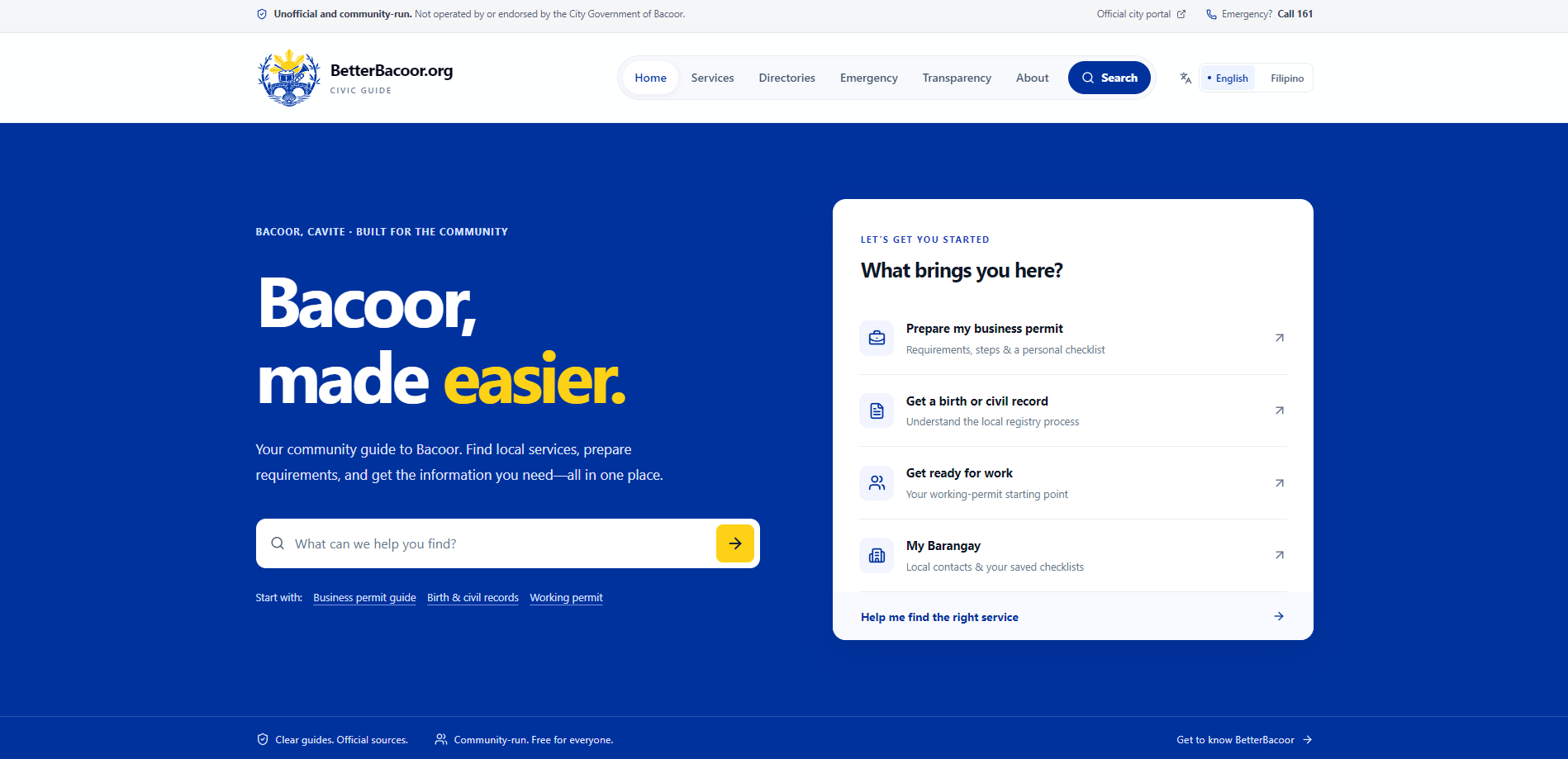
BetterBacoor
A place to find Bacoor services, requirements, and local information before heading to a government office. An unofficial, community-run guide for residents.
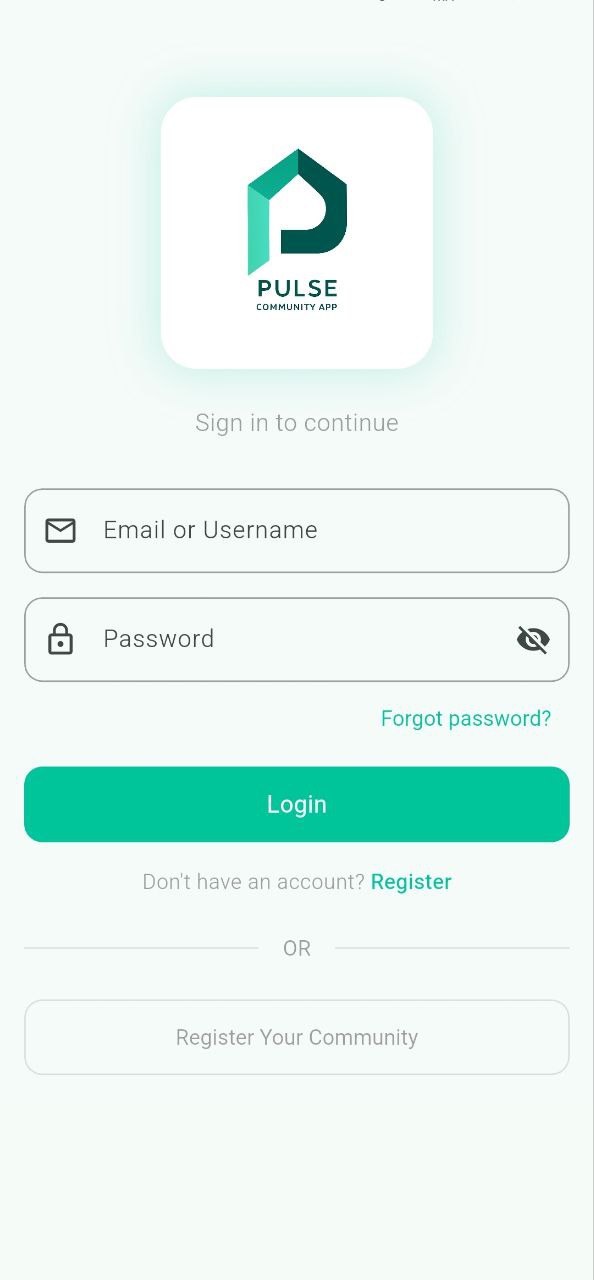
PULSE
My college capstone project: a community mobile app that brings announcements, local buying and selling, volunteer activities, and community reports into one place.
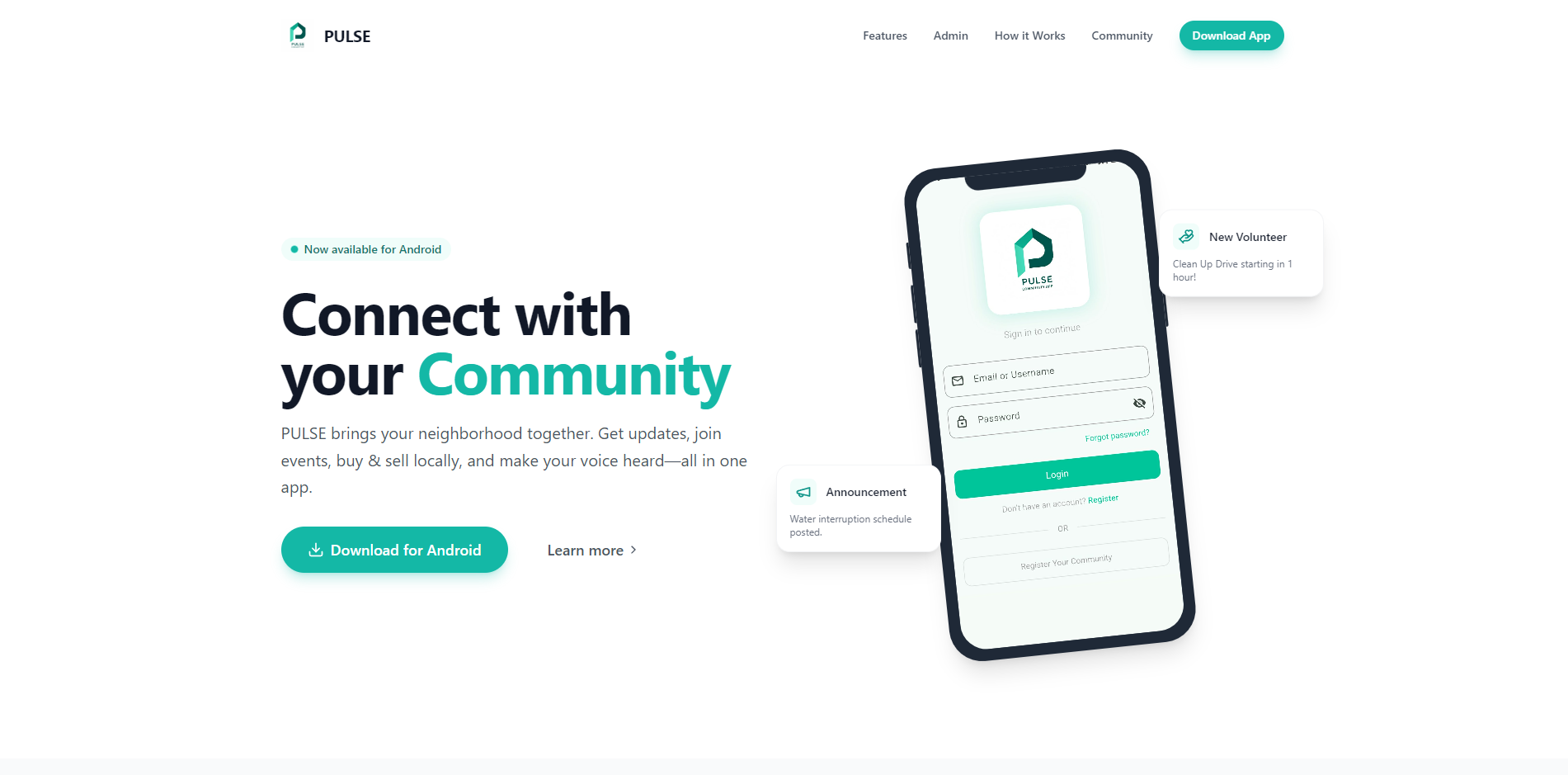
PULSE Promotional Website
A promotional website I built for our PULSE college capstone, giving visitors a place to explore the community app and find its Android APK download. It presents the resident experience and administrator tools through app screenshots, feature explanations, and an interactive showcase.


Ronan Dela Cruz

Server Administrator & Full Stack Developer
I work with Linux servers and build web applications. This is where I share my projects, things I'm learning, and the occasional fix that took longer than it should have.
512 Connections
2,847Followers
Posts

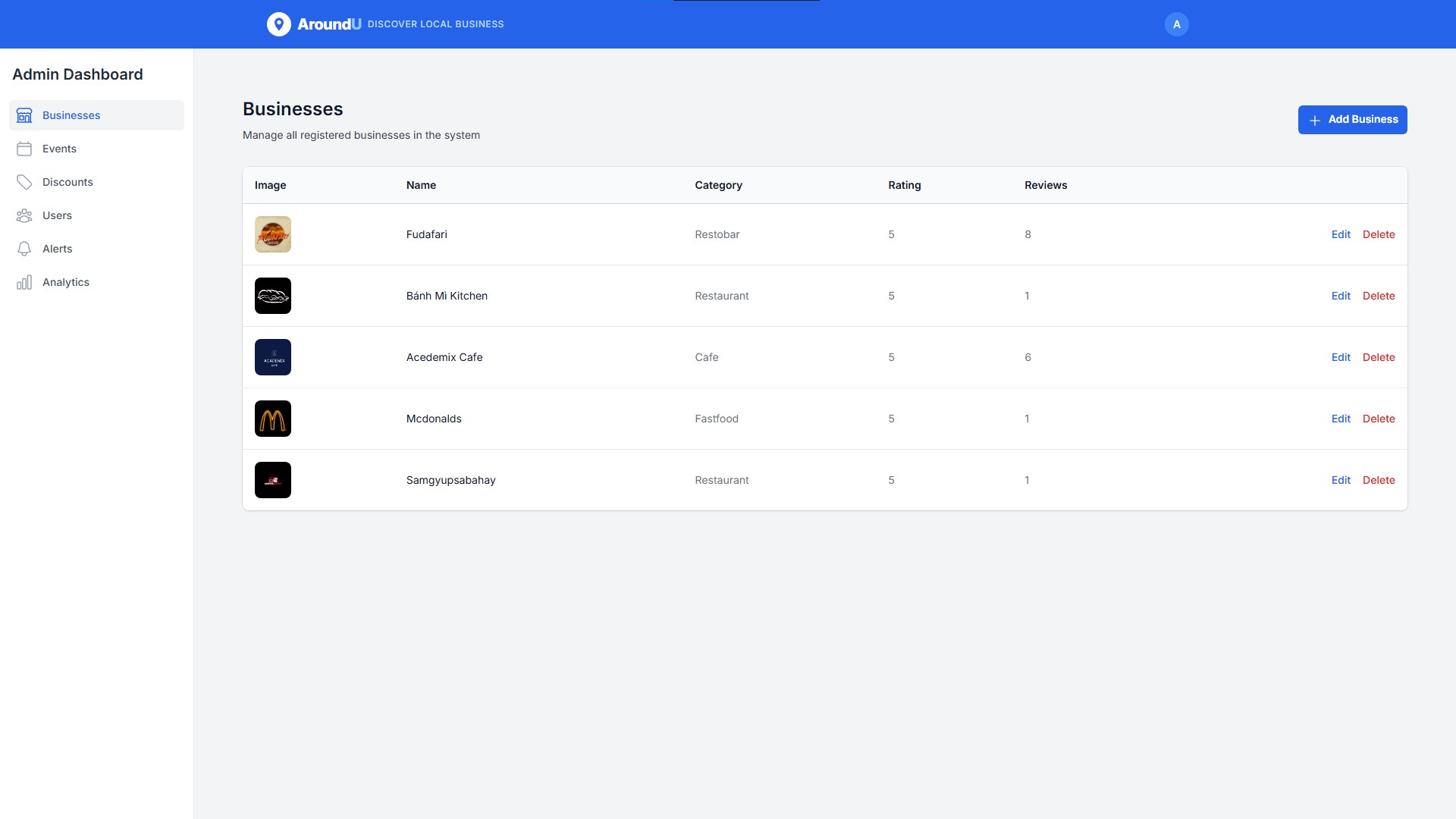
I built BetterBacoor, inspired by BetterGov.ph and the BetterLGU community. I wanted to make it easier to find what you need before visiting a government office in Bacoor. It brings service requirements, office contacts, and official links into one place. It's an unofficial, community-run guide and it's open source. You can find the website and code in the project below.
BetterBacoor
A place to find Bacoor services, requirements, and local information before heading to a government office. An unofficial, community-run guide for residents.
ReactTypeScriptTailwind CSS
View project Hot take: The best portfolio is one that doesn't look like a portfolio. Show your thinking, your process, and your personality, not just polished final screenshots.

I'm building my own portfolio to showcase my projects and share what I'm learning. I wanted it to feel a bit more like me, so I went with a social media style. There will be posts, project updates, and blogs about my experience. A place where I can share the work and the things that happen along the way. I'm also making it open source so others can use it too.
Just automated something I used to do manually I've been managing LMS servers for clients, and every time we provision a new one, it meant SSH-ing in, editing config files, updating databases, restarting services... the same steps every single time. This week I finally tried Ansible for the first time. One playbook. One command. Done. Still a lot to learn, but this is a huge step up from manual configs.
Projects
17 projects
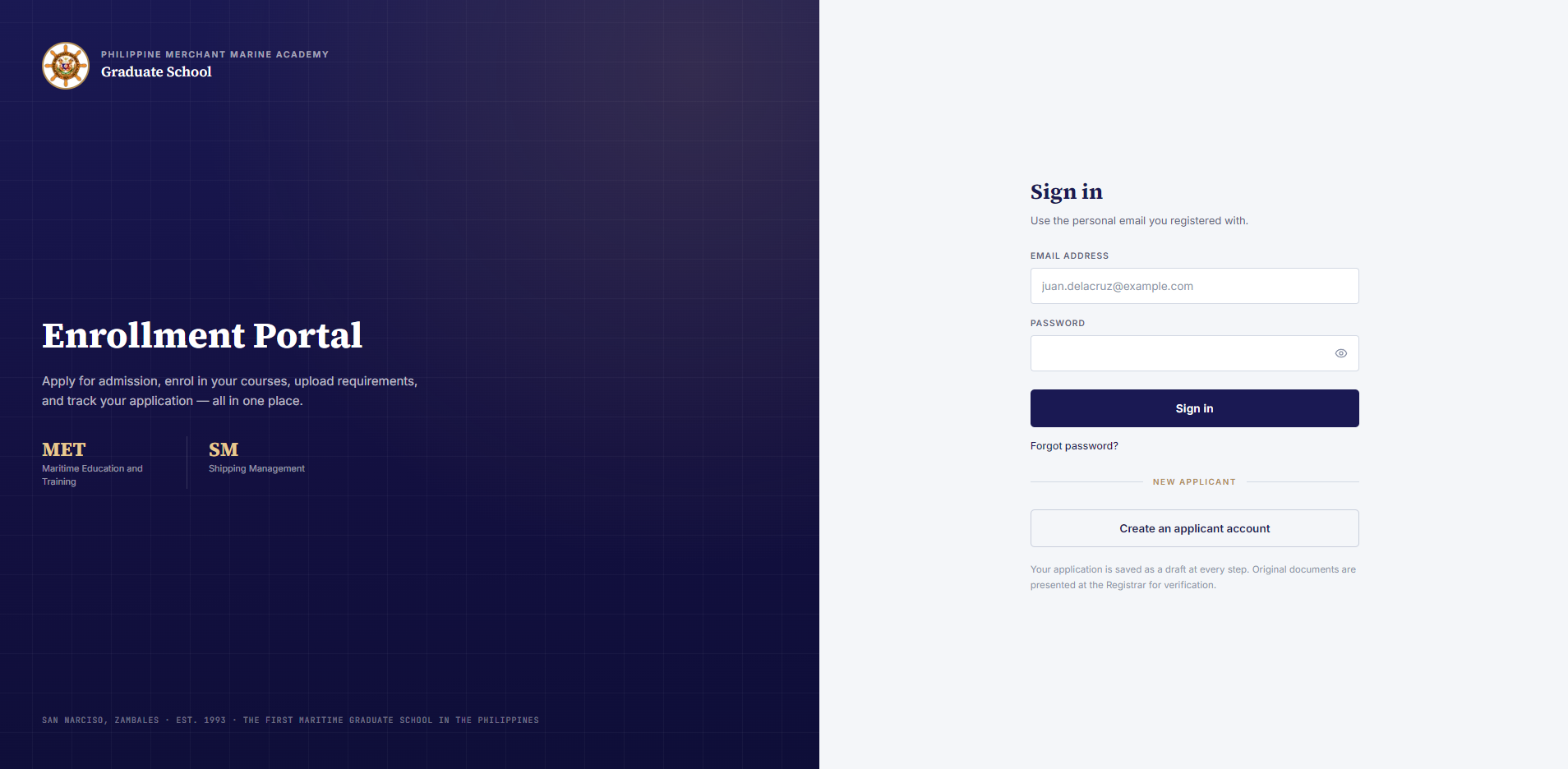
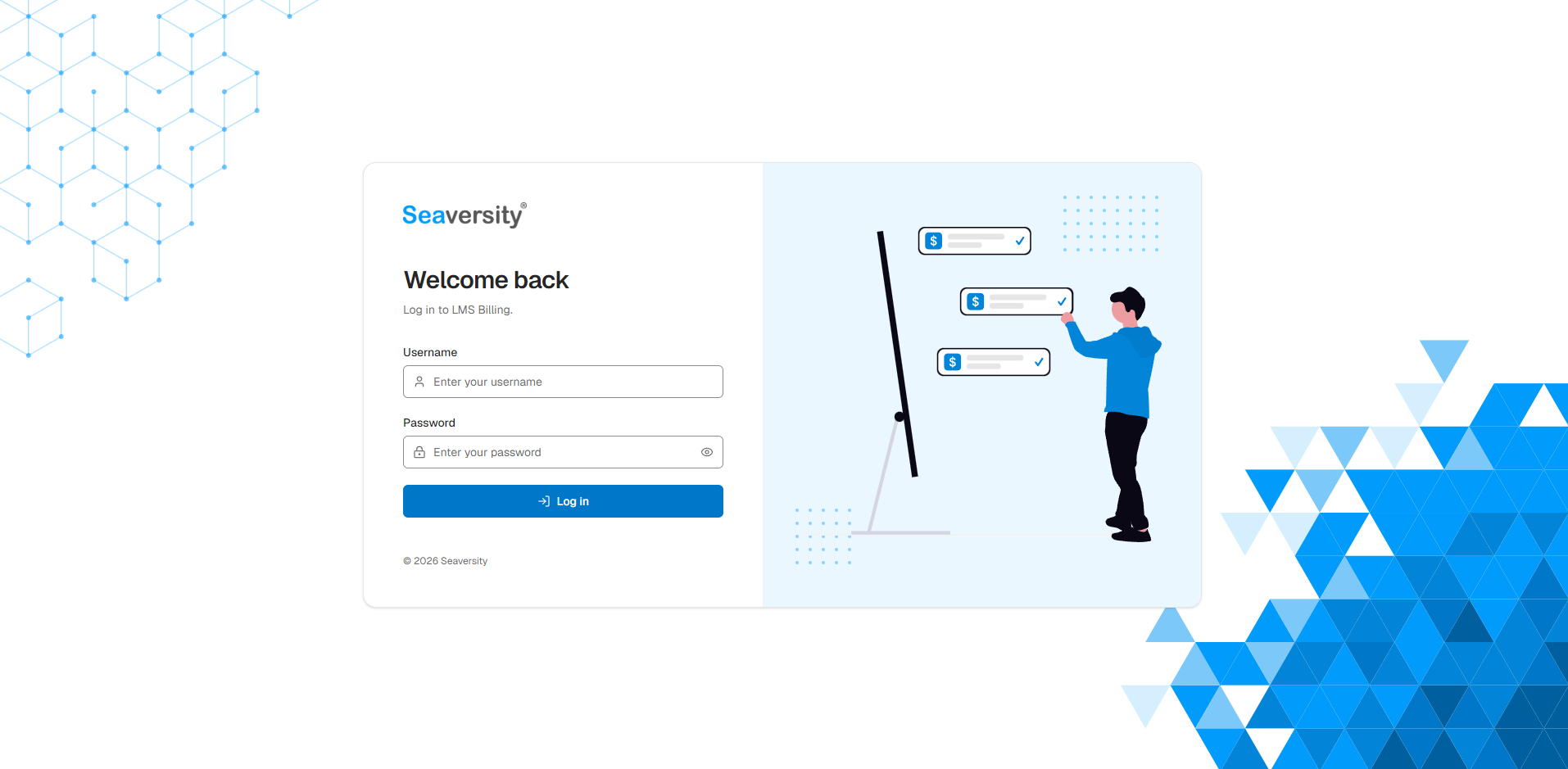
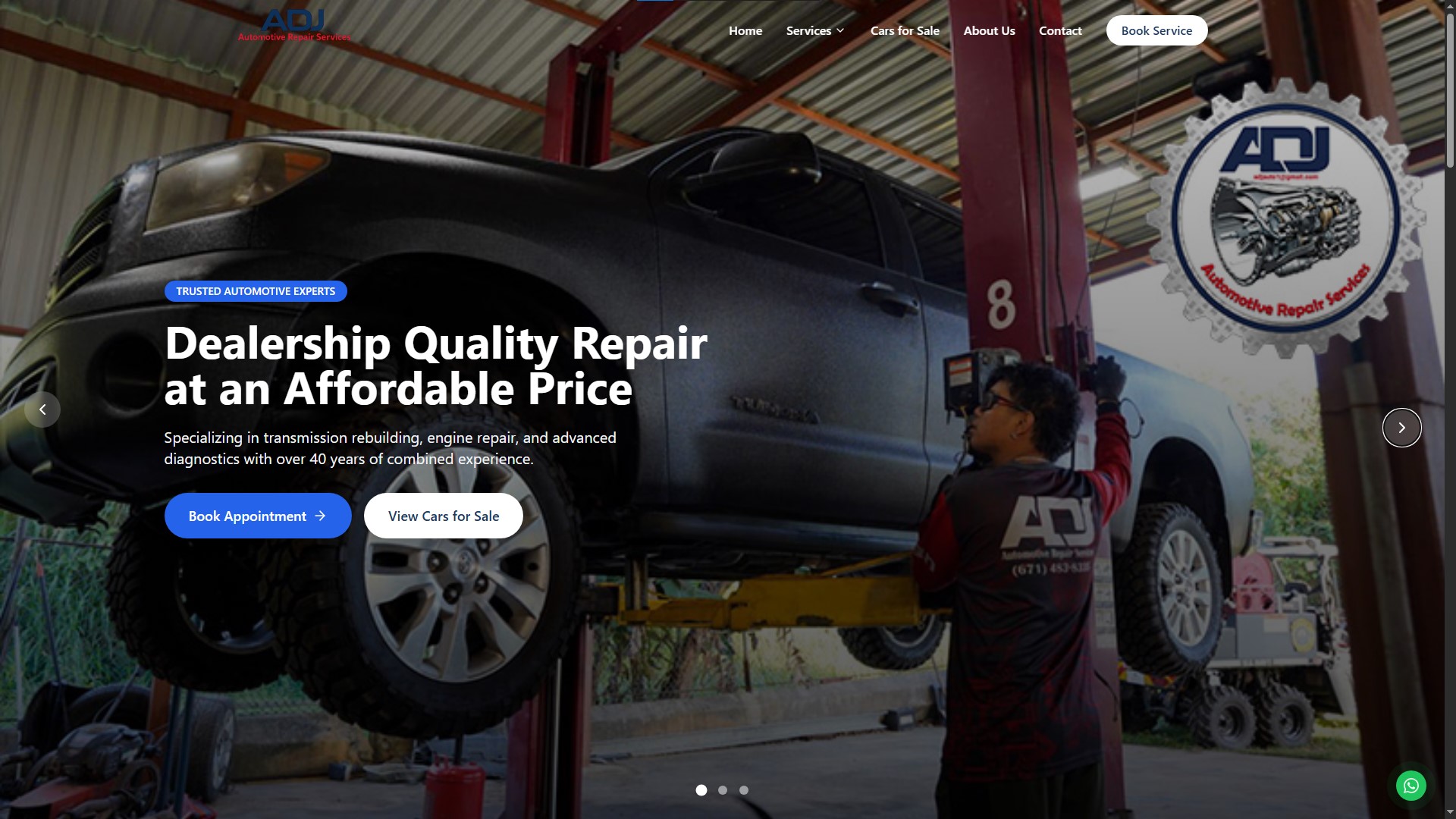
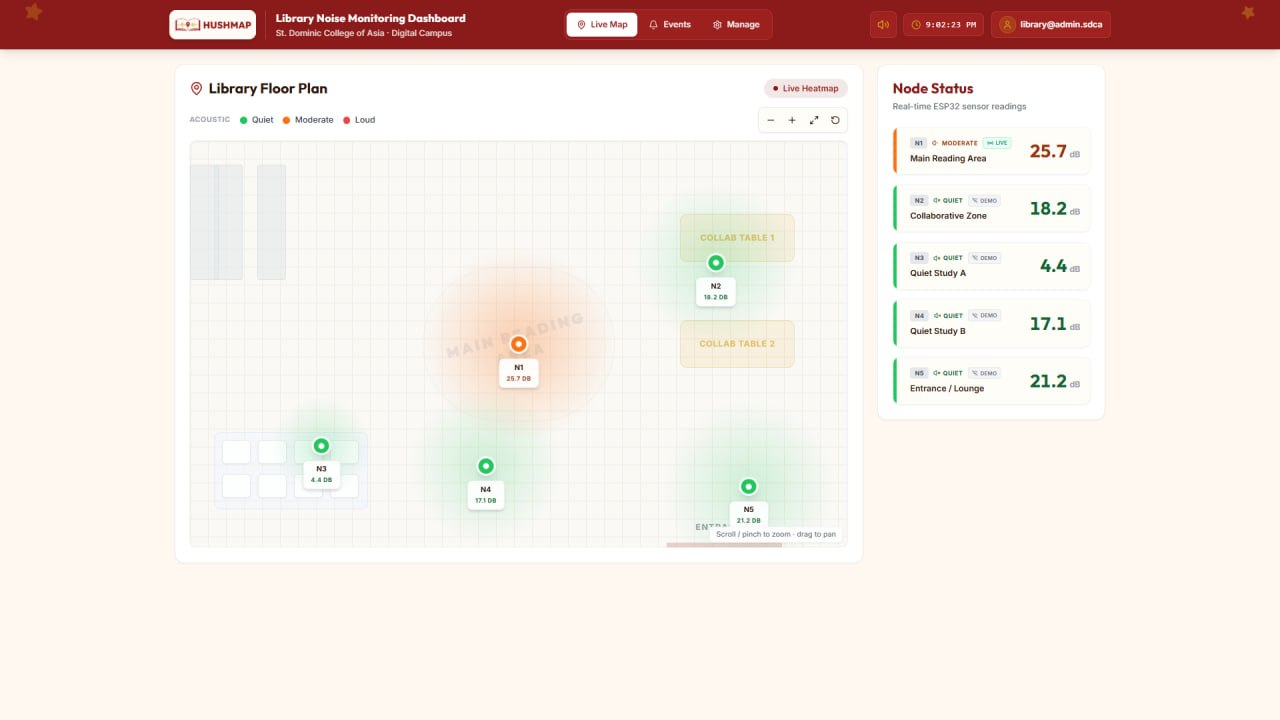
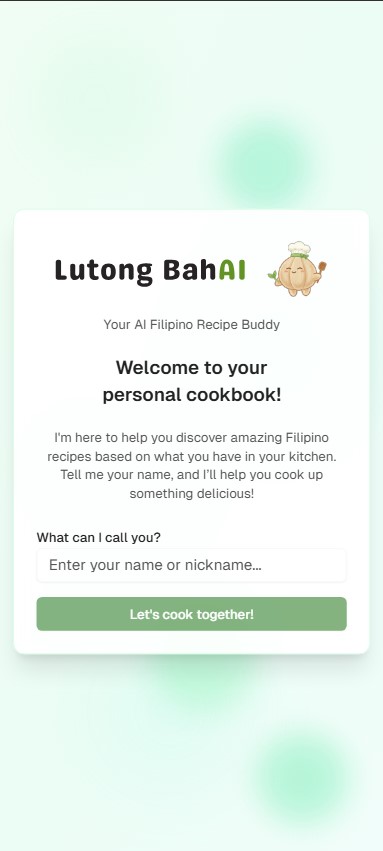
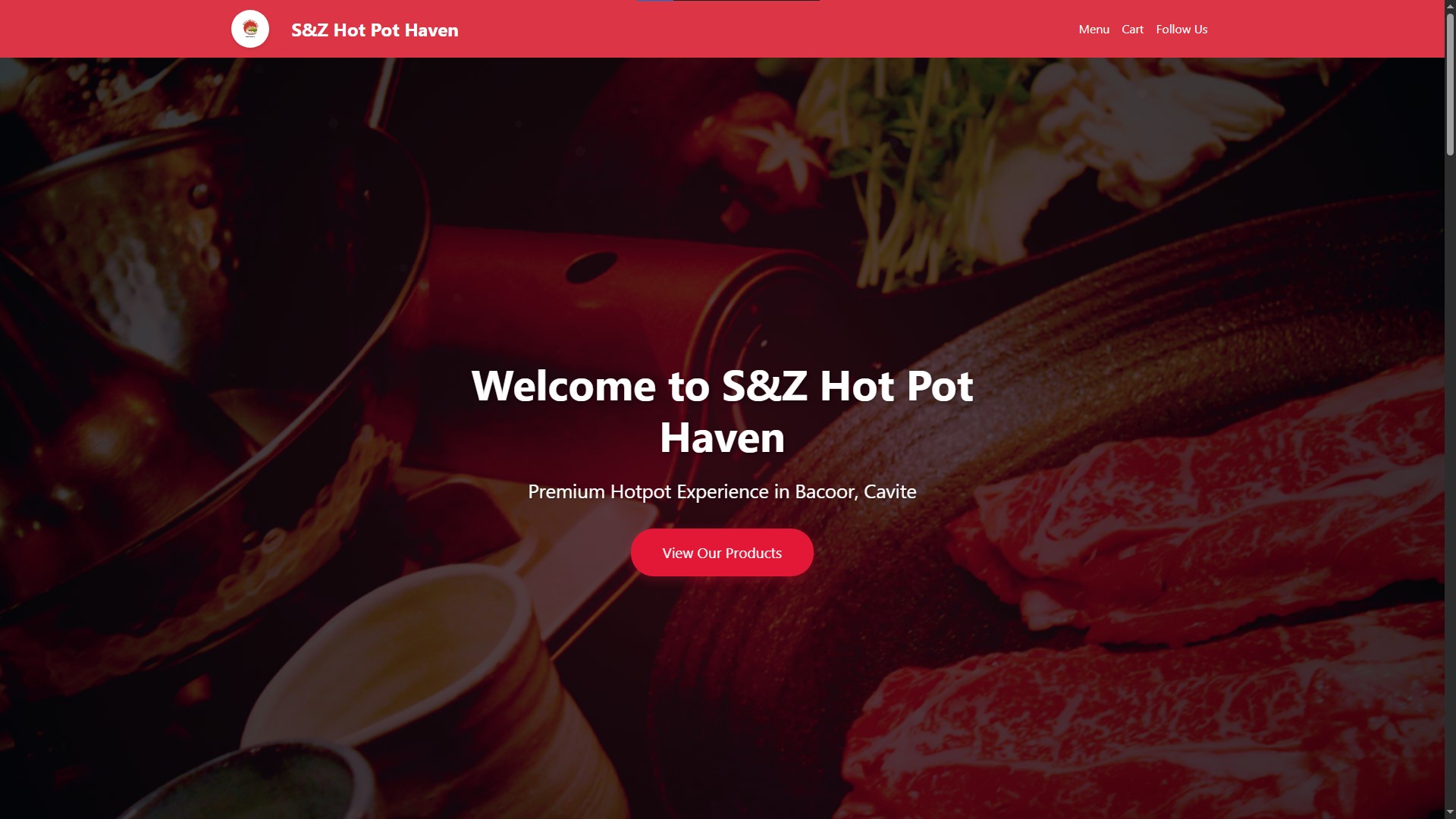
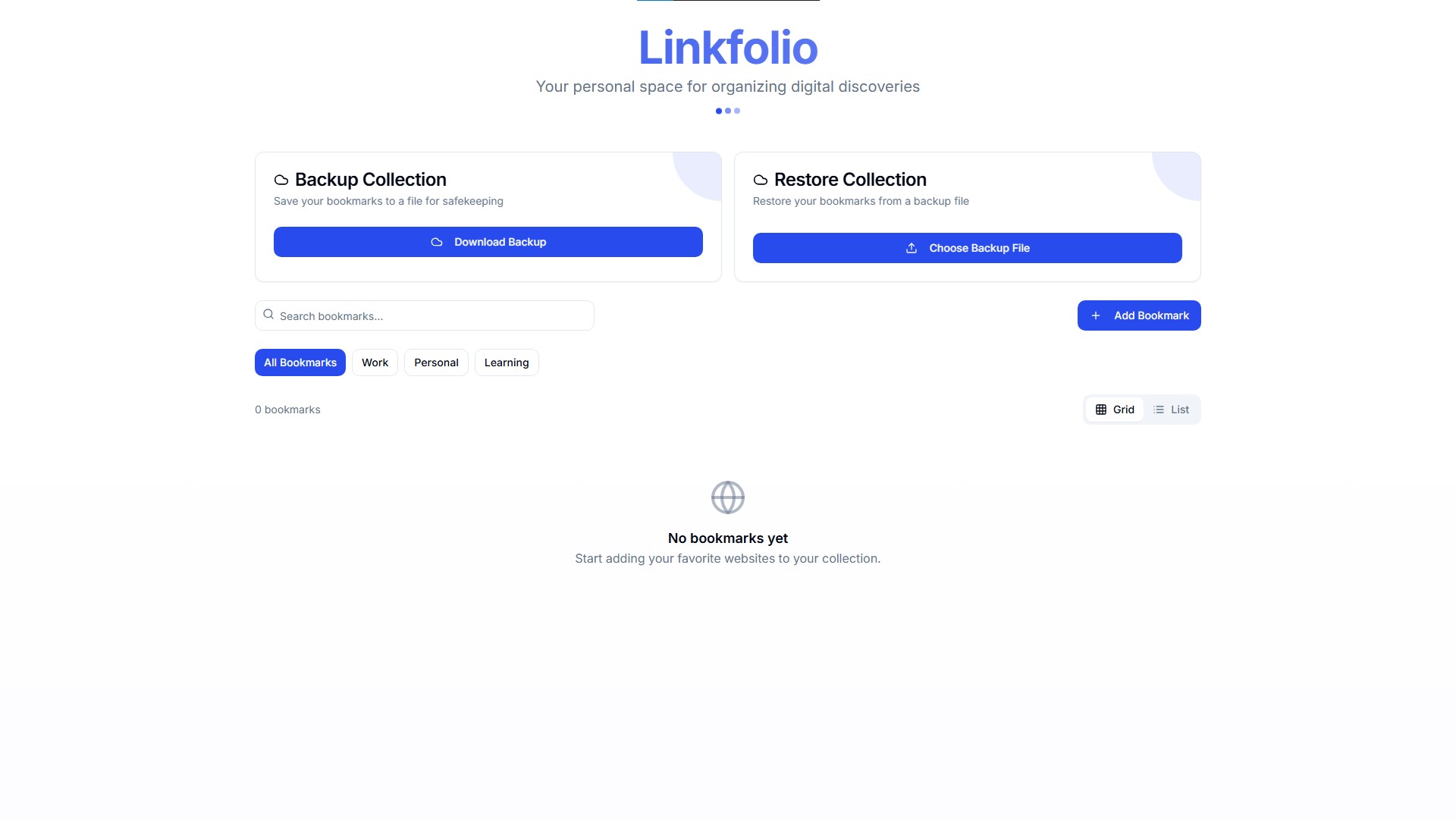

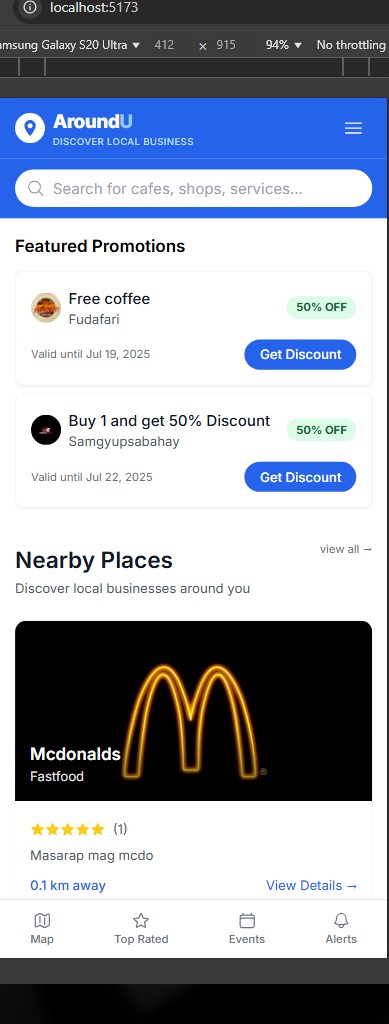
Blog
My experiences, things I learn, and life outside the code.
About
I'm Ronan, an IT graduate based in the Philippines. At Seaversity, I look after Linux servers and Moodle environments, and write scripts to make repetitive work a little easier.
Outside that work, I build web and mobile applications, often around everyday needs in local communities and small businesses. I'm also learning more about cloud infrastructure and DevOps. This site is a place to share what I'm building and learning along the way.
Experience
May 2026 – Present
Nov 2025 – May 2026
Aug 2025 – Nov 2025
Skills
Infrastructure & Operations
- Linux Administration
- Rocky Linux
- Sangfor MCS
- Moodle
- Nginx
- NPMplus
- Cloudflare
- Tailscale
- MinIO
Application Development
- TypeScript
- React
- Tailwind CSS
- Express.js
- PostgreSQL
- MySQL
- Redis
- Firebase
- Supabase
Automation & Tools
- Bash
- Ansible
- Git
- Docker
- Claude Code
- Codex
- Hermes Agent
Education

St. Dominic College of Asia
Bachelor of Science in Information Technology
2022 – 2026