
Hello guys, welcome to my portfolio! 👋 This is where I share my projects, things I'm learning, and a bit of my journey in IT. Feel free to look around! You can also try the chatbot to ask about my work, or just see how it replies haha. Thanks for stopping by!
Back to projects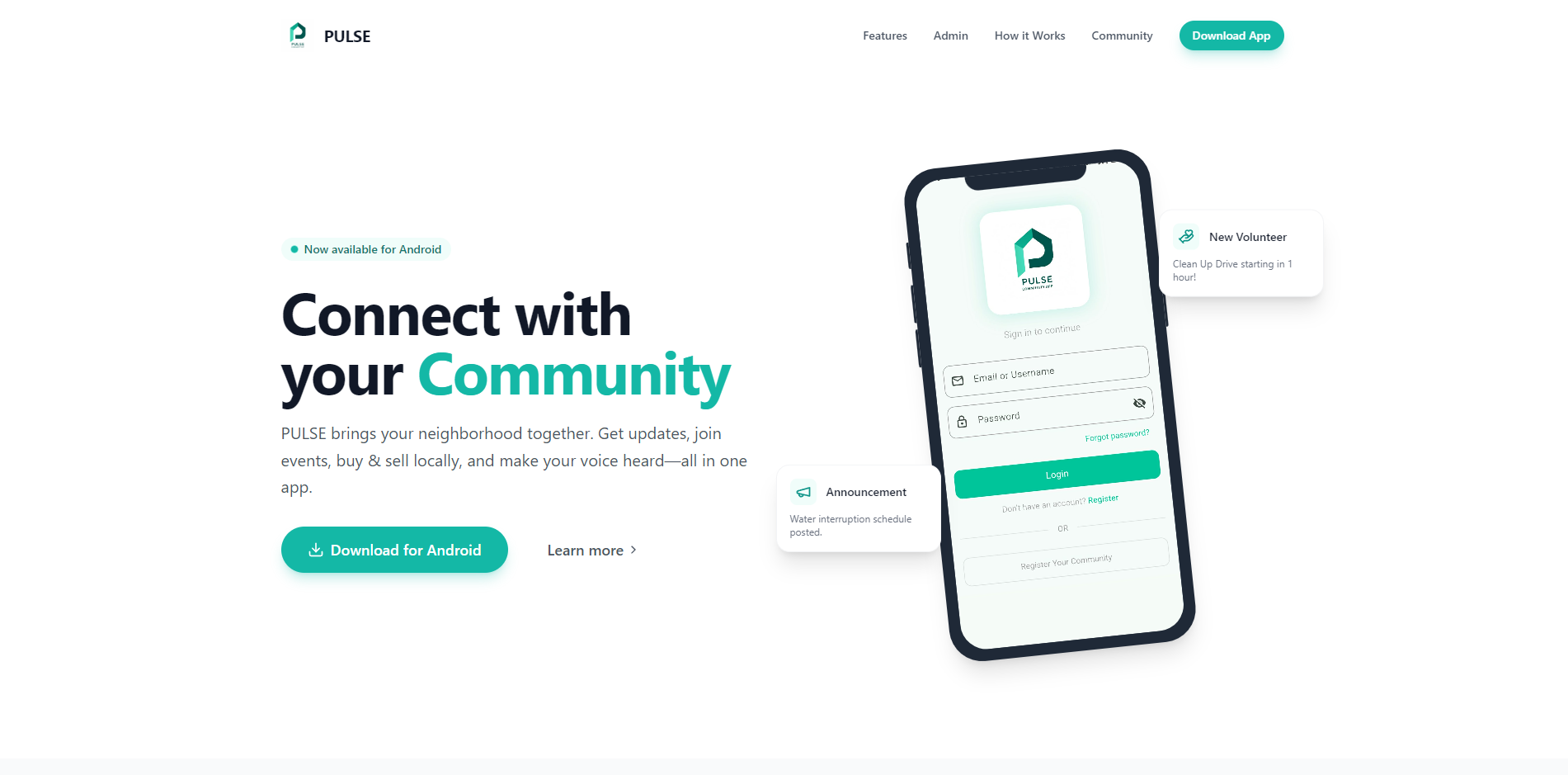
Personal · Capstone companion website
PULSE Promotional Website
Image 1 of 1
Open full-size image (opens in a new tab)Overview
A promotional website I built for our PULSE college capstone, giving visitors a place to explore the community app and find its Android APK download. It presents the resident experience and administrator tools through app screenshots, feature explanations, and an interactive showcase.
The companion website for PULSE, our community mobile app capstone. The screens shown here demonstrate the app; community management, accounts, and transactions run in the separate PULSE application.
My contribution
Frontend Developer
I built the website to introduce our capstone beyond the mobile app itself. My work covered the responsive landing page, reusable phone mockups, animated feature sections, interactive administrator preview, and links to the Android installation page.
Introducing the PULSE capstone
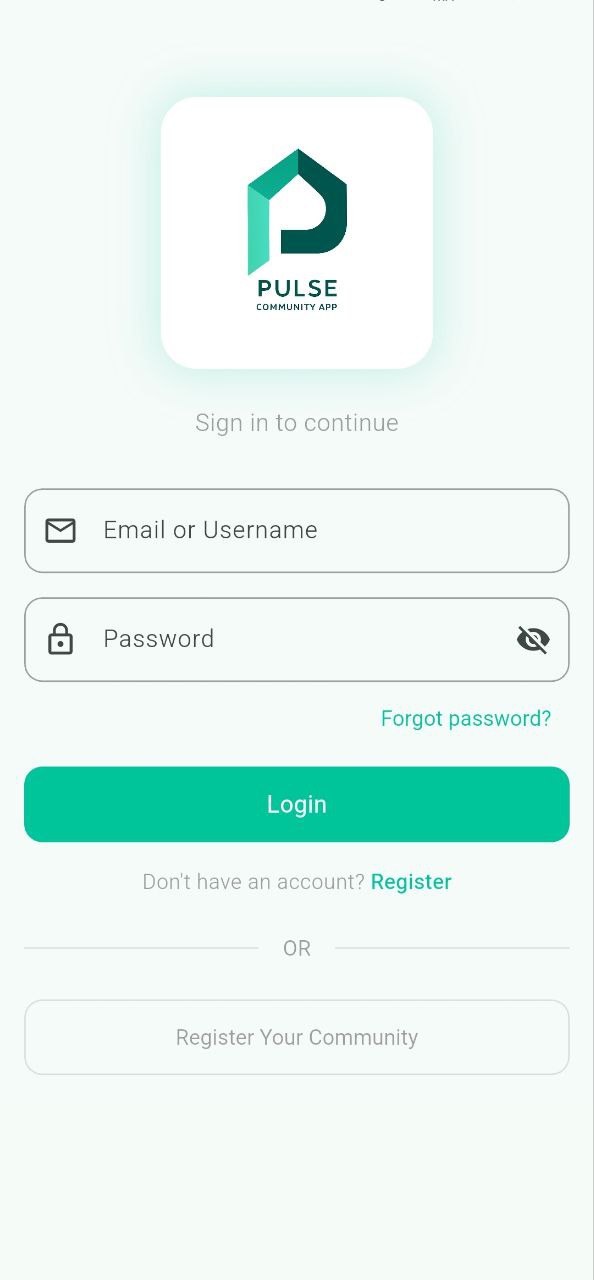
- A single-page introduction to PULSE: Public Updates, Local Services, and Engagement. The hero combines the app's login screenshot, community-focused messaging, and a clear Android download action.
- Dedicated sections explain community notices, the local marketplace, volunteer opportunities, and community reports using screenshots from the mobile app.
- A short How it Works section introduces the journey from downloading the app to creating an account and participating in a community.
Interactive administrator showcase
- Visitors can select dashboard, user management, broadcast updates, volunteer programs, and issue-resolution previews.
- Selecting a feature updates the active description and phone screenshot, with an animated transition driven by React state and Framer Motion.
- The section shows what community administrators can do inside PULSE through a visual walkthrough rather than a live administration interface.
Android download flow
- Download actions in the navigation, hero, main download section, and footer point to the app's external AppsOnAir installation page.
- The website serves as the public entry point for finding the Android APK; the app distribution service handles delivery rather than storing the APK in the website repository.
- The download section identifies Android as the supported platform, keeping the next step visible after visitors explore the features.
Responsive presentation & motion
- A fixed navigation bar links to page sections and switches to an expandable menu on smaller screens. The hero's Learn more action scrolls to the feature showcase.
- Reusable phone mockups frame the app screenshots consistently. Alternating feature layouts and responsive grids organize the longer page for desktop and mobile.
- Framer Motion provides section entrances, screenshot transitions, and button feedback, while Tailwind CSS carries the PULSE teal color palette and responsive styling.
Implementation & hosting
- Built with React, TypeScript, Vite, and Tailwind CSS, with Lucide icons and reusable button and phone-mockup components.
- Feature content is defined in arrays and rendered through shared components; the administrator selector uses local component state.
- Hosted on Vercel as a frontend website, with public source code in a separate repository from the Flutter and Firebase mobile application.
More personal projects
Social Portfolio
My personal portfolio, built around the feel of a social profile. It brings together projects, quick updates, longer write-ups, and an AI assistant that helps visitors explore my work through conversation. I wanted the site itself to show how I build, not just display the finished projects.
BetterBacoor
A place to find Bacoor services, requirements, and local information before heading to a government office. An unofficial, community-run guide for residents.
PULSE
My college capstone project: a community mobile app that brings announcements, local buying and selling, volunteer activities, and community reports into one place.

Ronan Dela Cruz

Server Administrator & Full Stack Developer
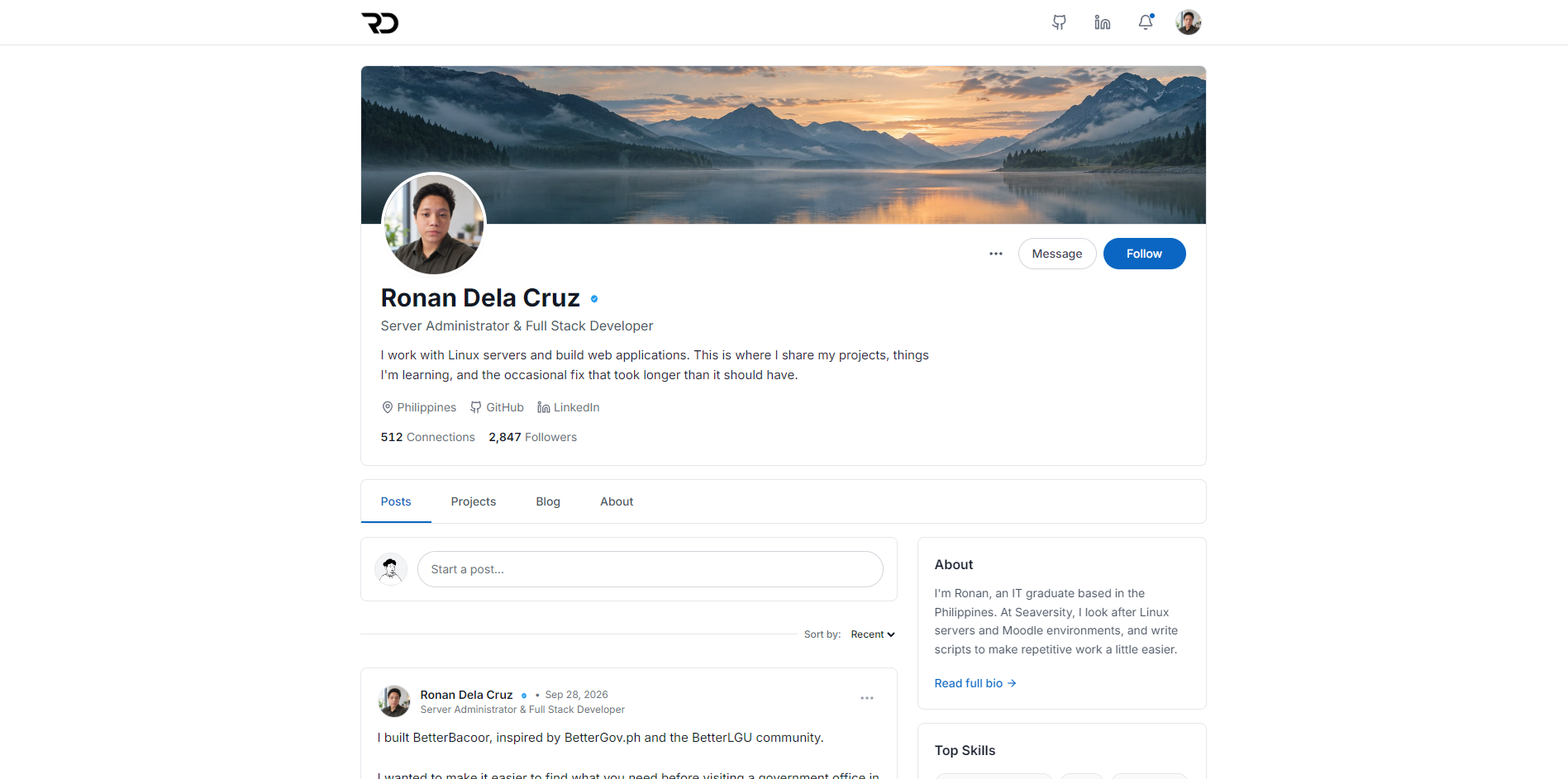
I work with Linux servers and build web applications. This is where I share my projects, things I'm learning, and the occasional fix that took longer than it should have.
512 Connections
2,847Followers
Posts

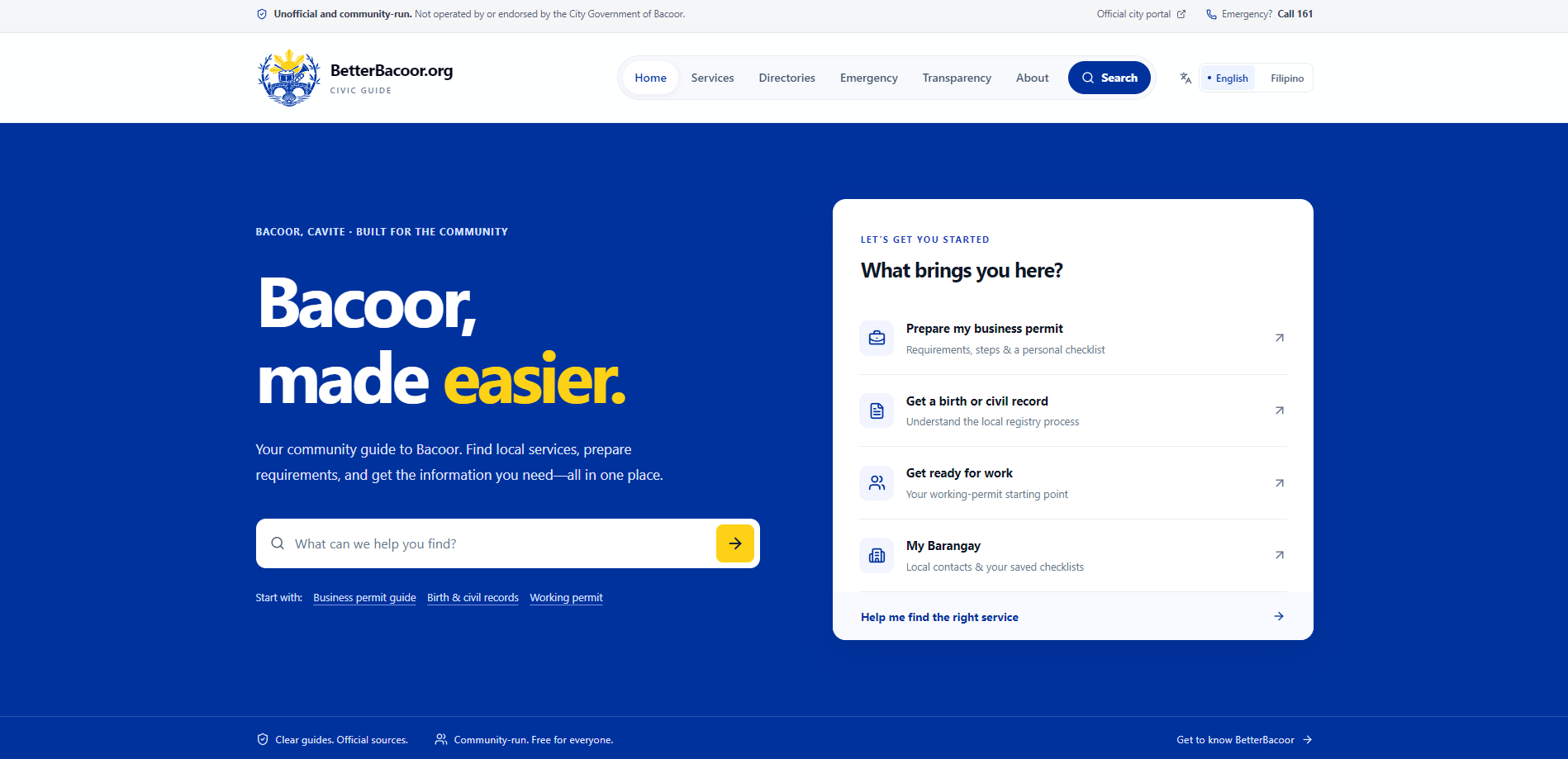
I built BetterBacoor, inspired by BetterGov.ph and the BetterLGU community. I wanted to make it easier to find what you need before visiting a government office in Bacoor. It brings service requirements, office contacts, and official links into one place. It's an unofficial, community-run guide and it's open source. You can find the website and code in the project below.
BetterBacoor
A place to find Bacoor services, requirements, and local information before heading to a government office. An unofficial, community-run guide for residents.
ReactTypeScriptTailwind CSS
View project Hot take: The best portfolio is one that doesn't look like a portfolio. Show your thinking, your process, and your personality, not just polished final screenshots.
I'm building my own portfolio to showcase my projects and share what I'm learning. I wanted it to feel a bit more like me, so I went with a social media style. There will be posts, project updates, and blogs about my experience. A place where I can share the work and the things that happen along the way. I'm also making it open source so others can use it too.
Just automated something I used to do manually I've been managing LMS servers for clients, and every time we provision a new one, it meant SSH-ing in, editing config files, updating databases, restarting services... the same steps every single time. This week I finally tried Ansible for the first time. One playbook. One command. Done. Still a lot to learn, but this is a huge step up from manual configs.
Projects
17 projects
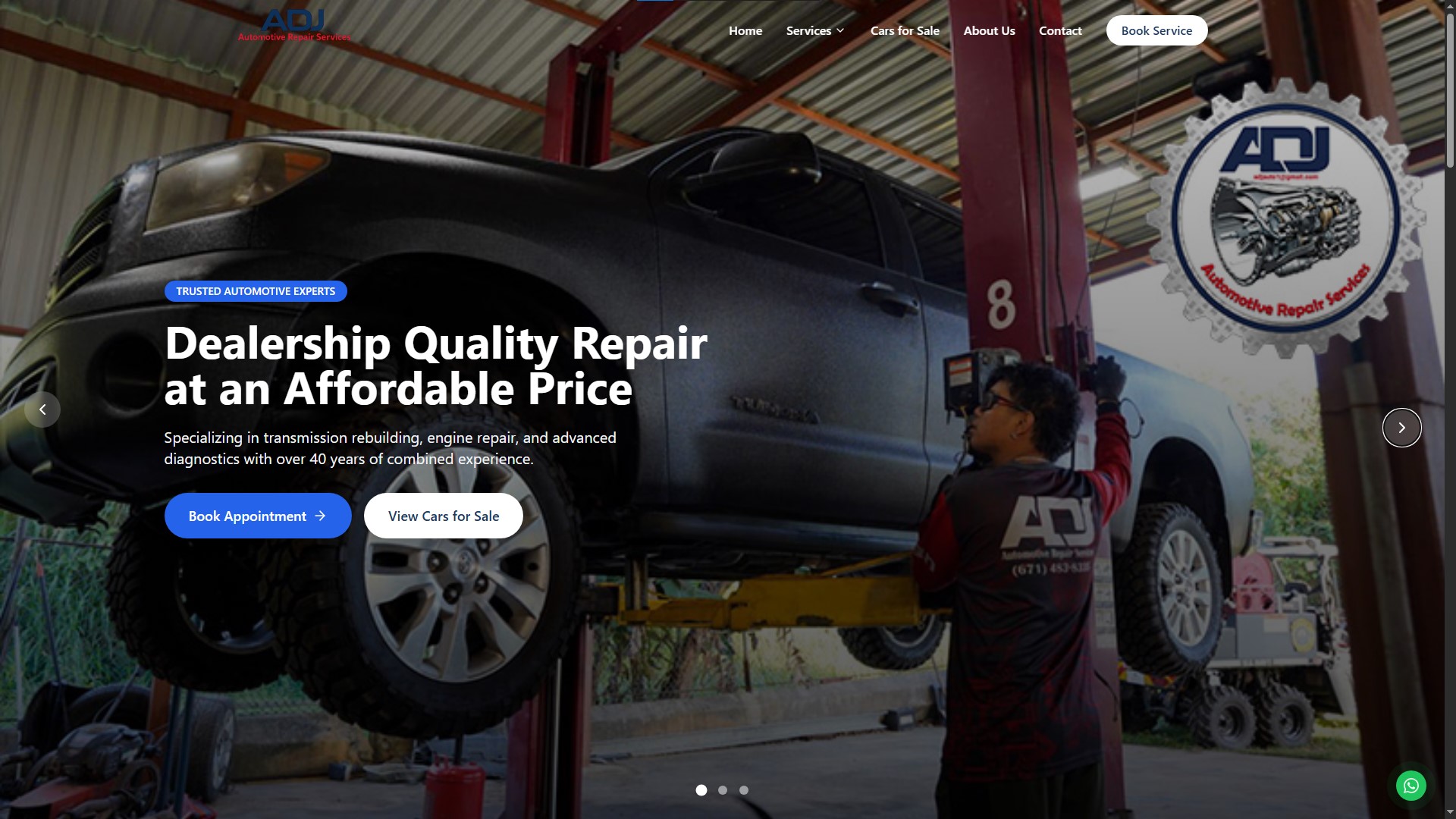
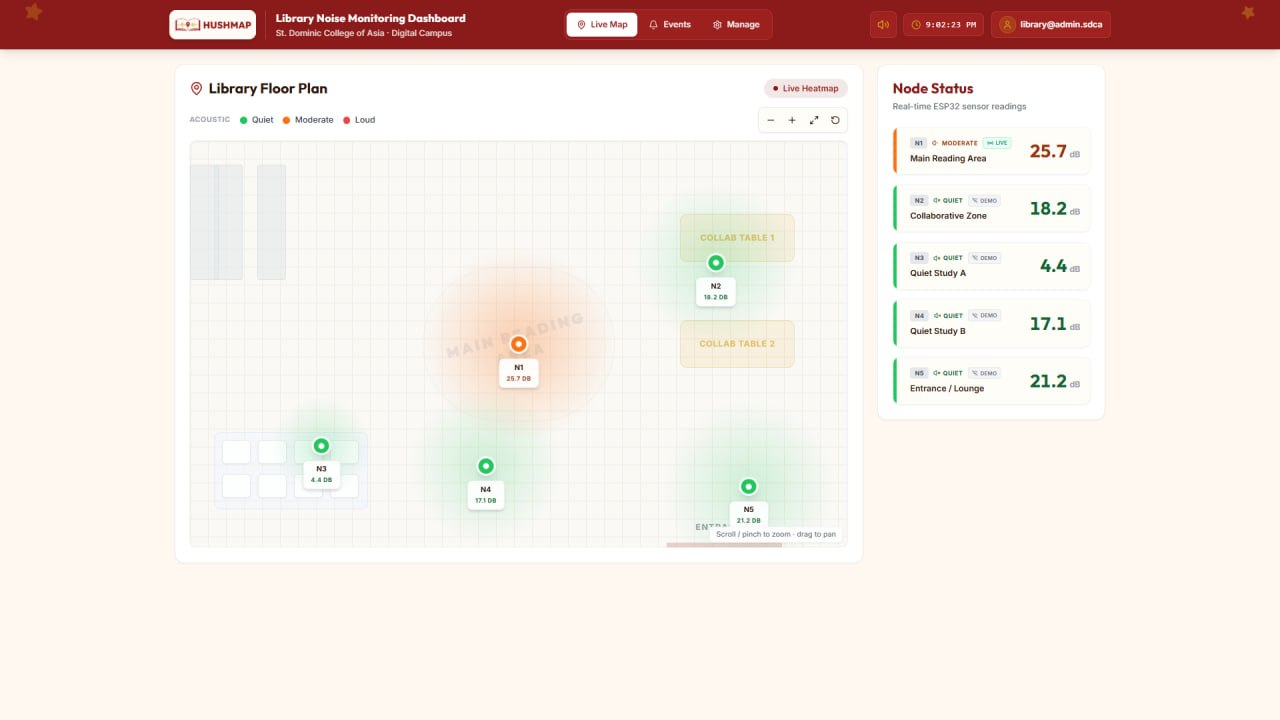
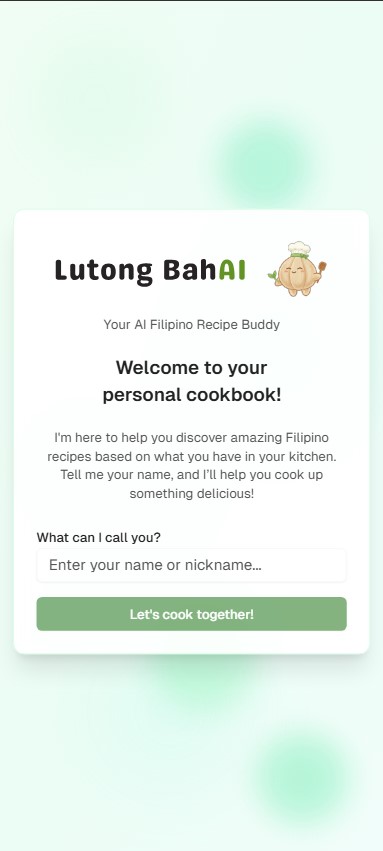
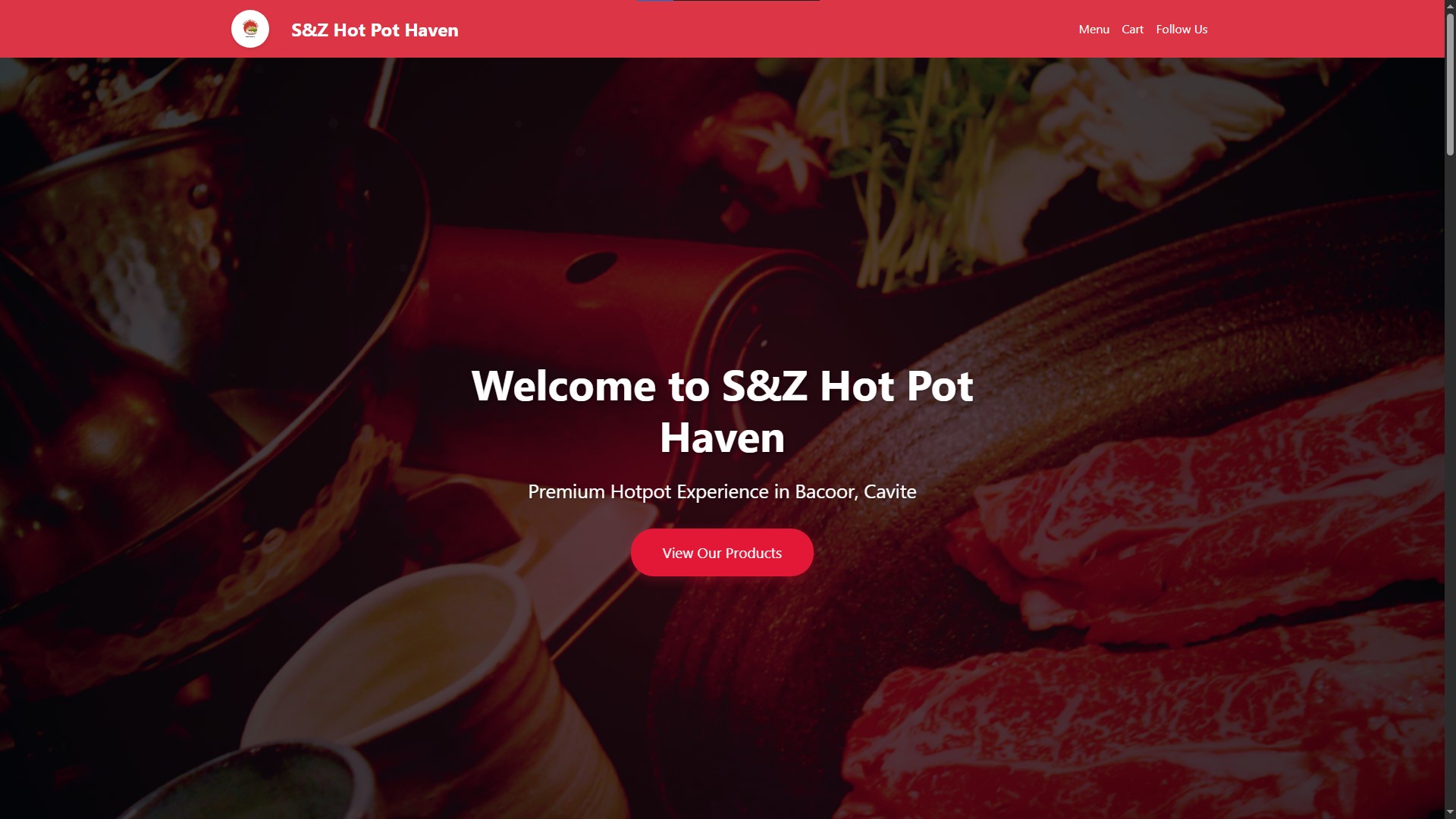
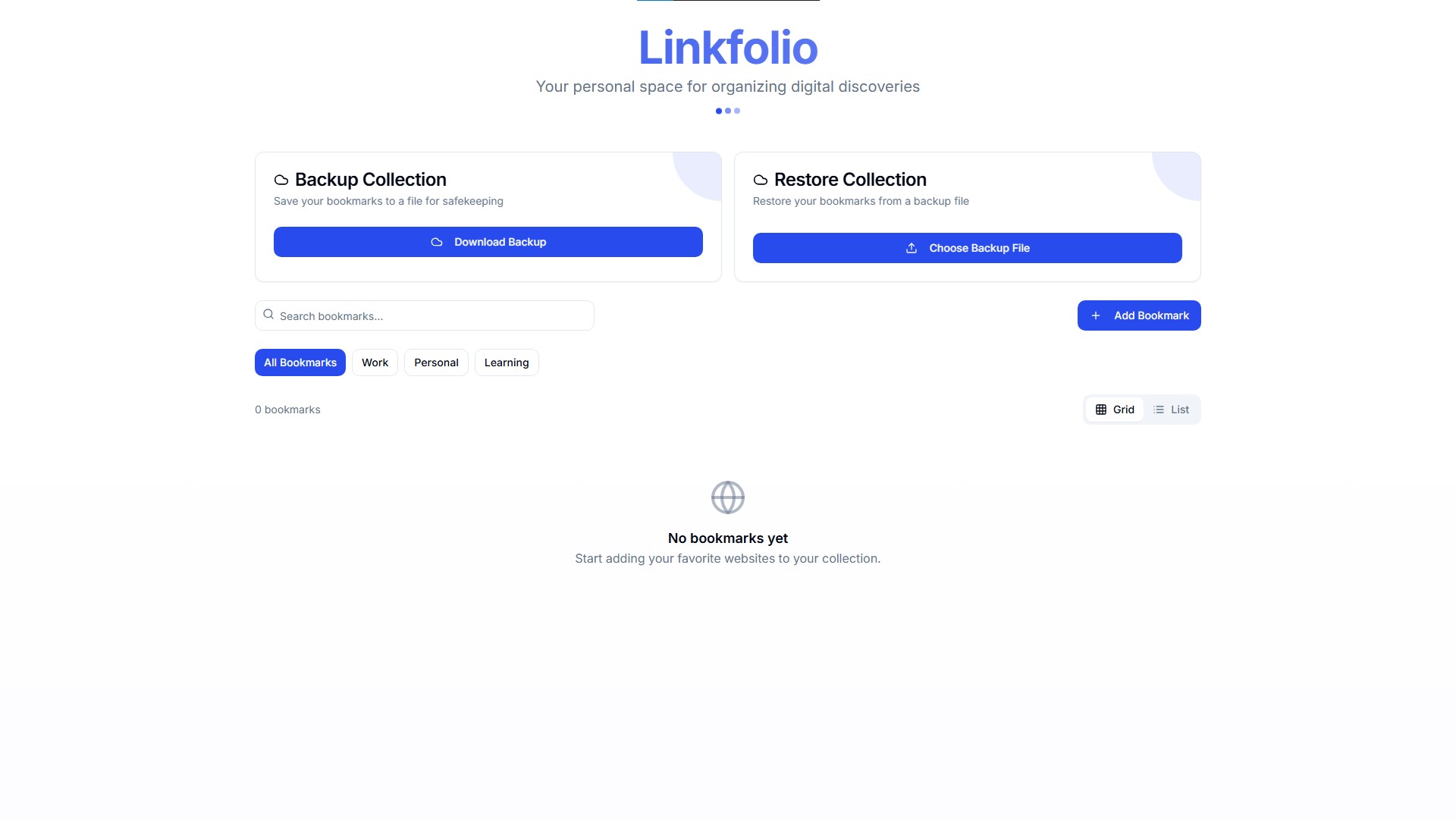
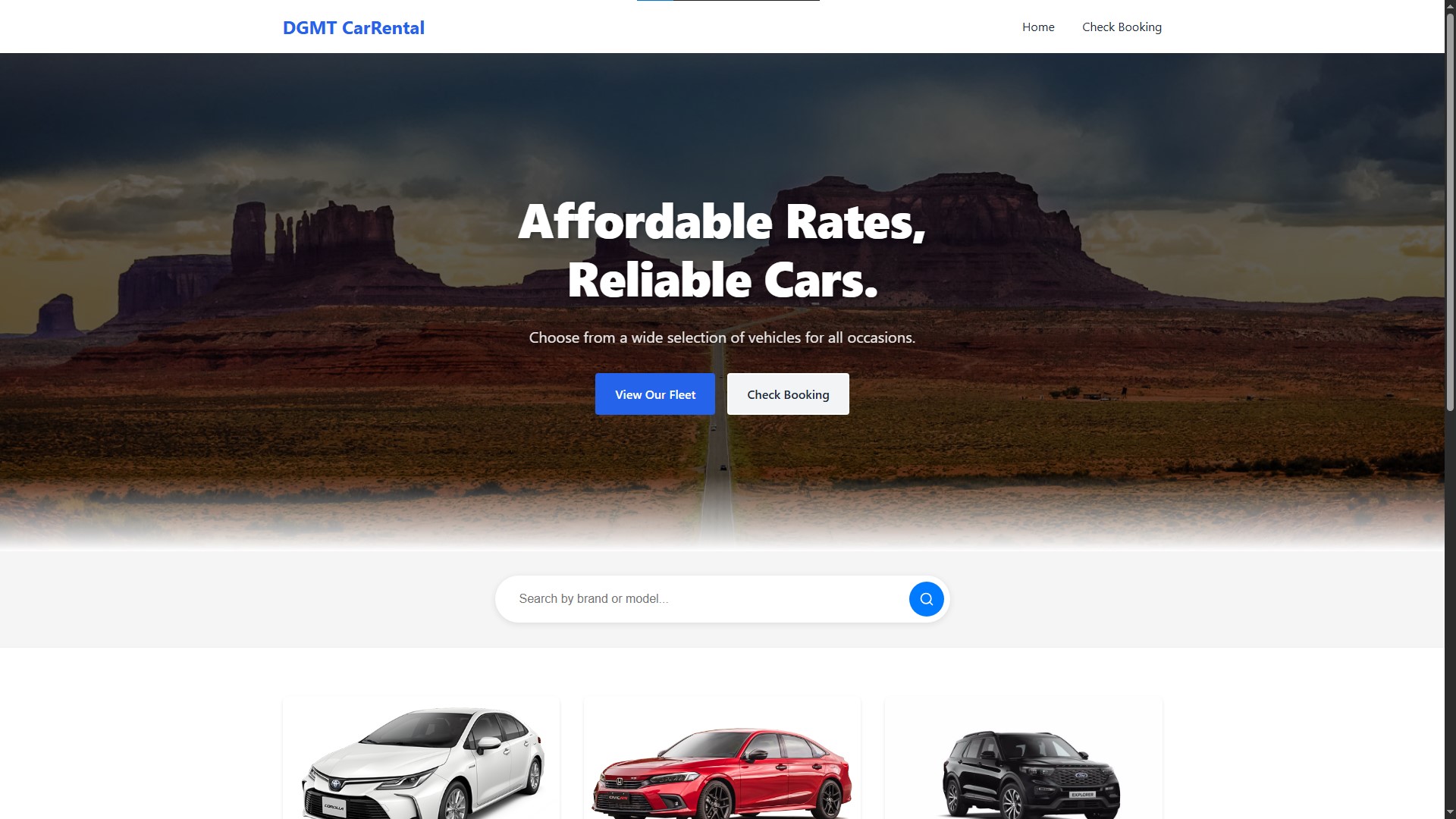
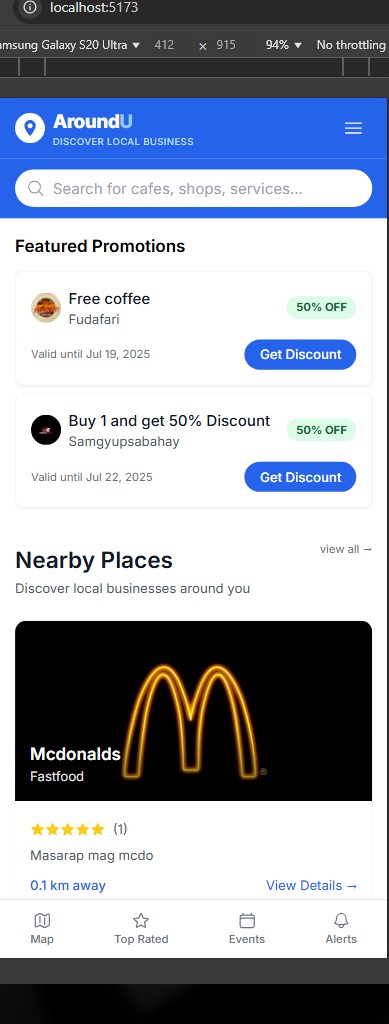
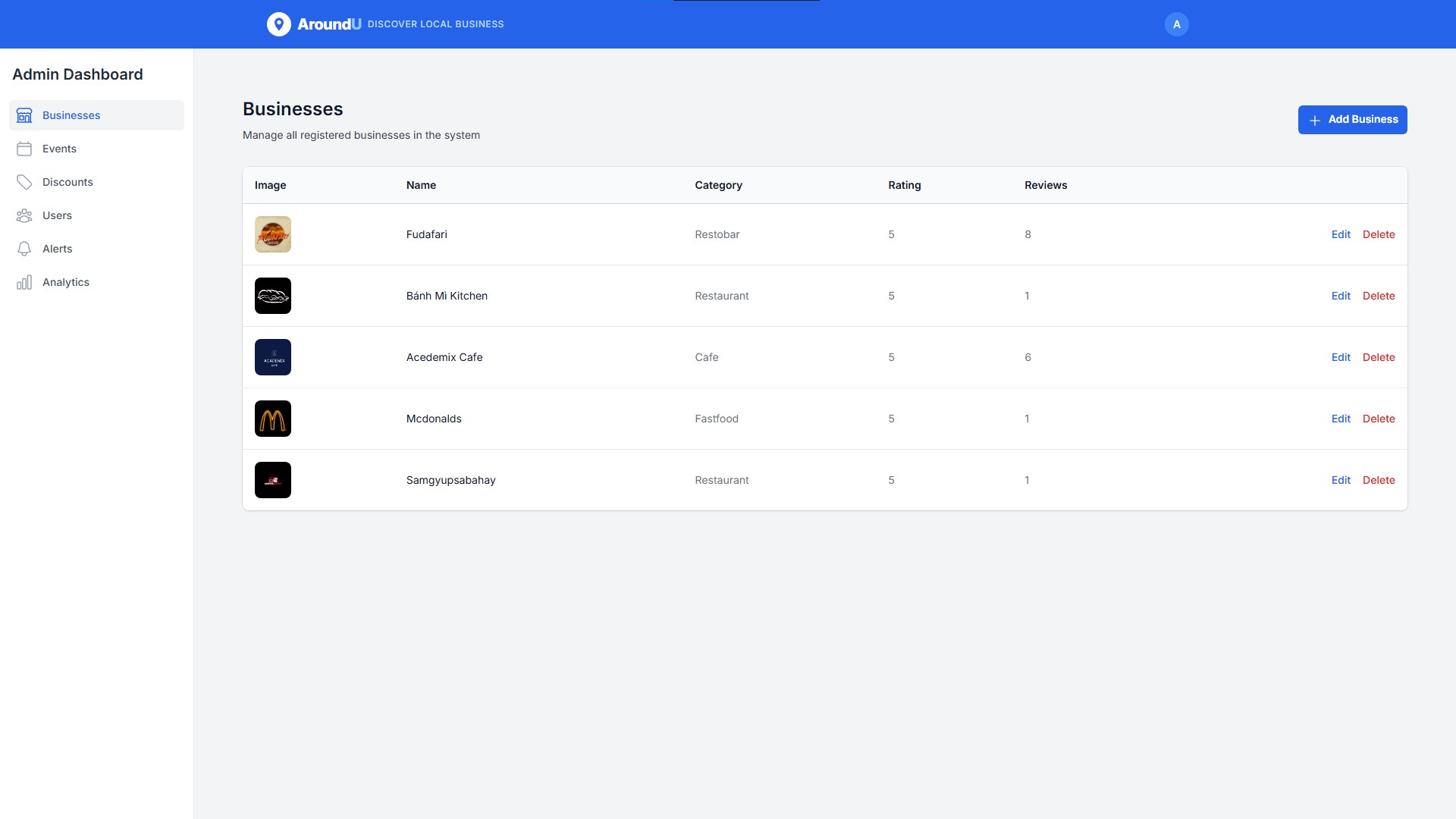
Blog
My experiences, things I learn, and life outside the code.
About
I'm Ronan, an IT graduate based in the Philippines. At Seaversity, I look after Linux servers and Moodle environments, and write scripts to make repetitive work a little easier.
Outside that work, I build web and mobile applications, often around everyday needs in local communities and small businesses. I'm also learning more about cloud infrastructure and DevOps. This site is a place to share what I'm building and learning along the way.
Experience
May 2026 – Present
Nov 2025 – May 2026
Aug 2025 – Nov 2025
Skills
Infrastructure & Operations
- Linux Administration
- Rocky Linux
- Sangfor MCS
- Moodle
- Nginx
- NPMplus
- Cloudflare
- Tailscale
- MinIO
Application Development
- TypeScript
- React
- Tailwind CSS
- Express.js
- PostgreSQL
- MySQL
- Redis
- Firebase
- Supabase
Automation & Tools
- Bash
- Ansible
- Git
- Docker
- Claude Code
- Codex
- Hermes Agent
Education

St. Dominic College of Asia
Bachelor of Science in Information Technology
2022 – 2026